
Tagged: architecture
Norway 2018, Revisited
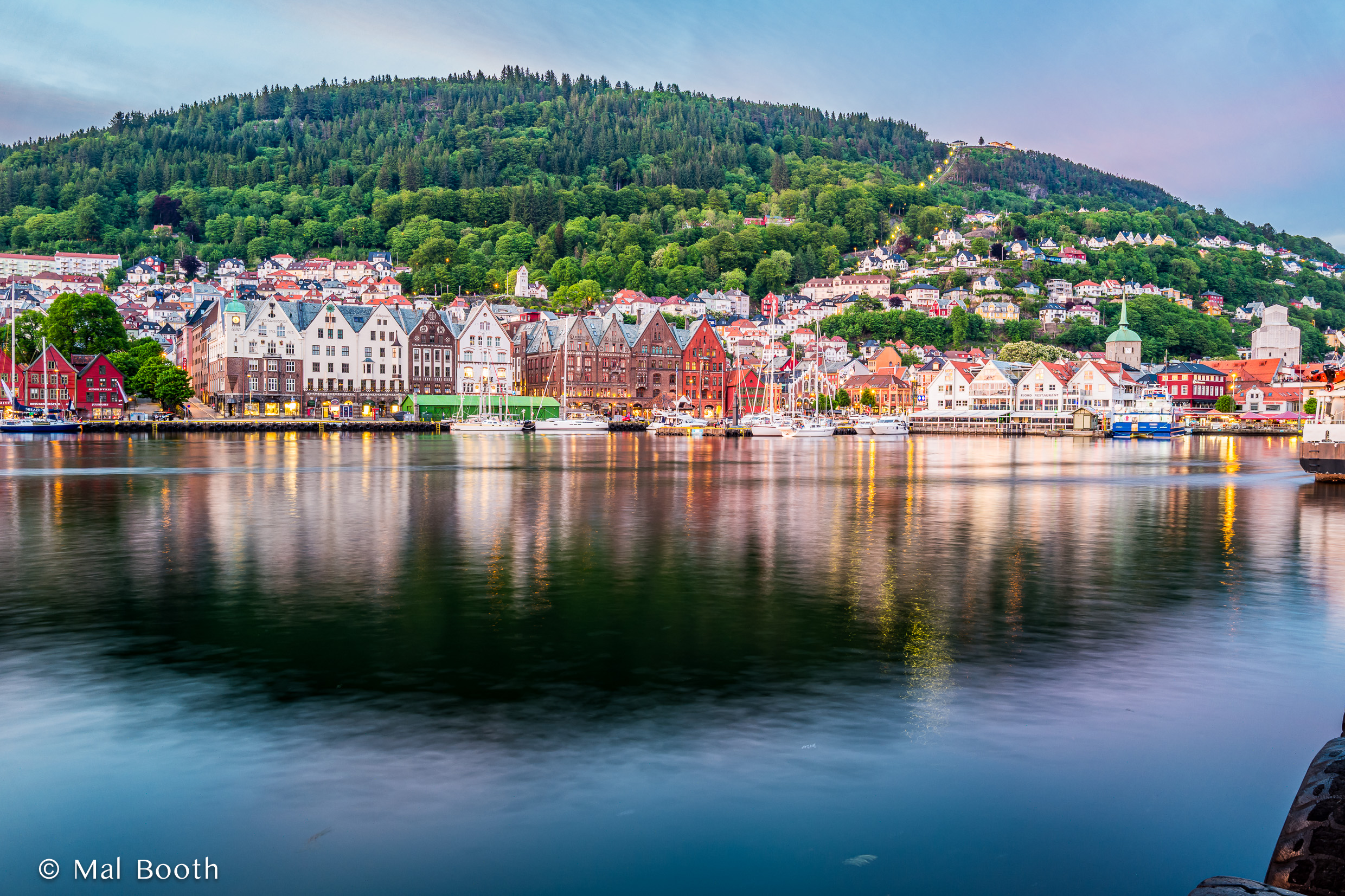
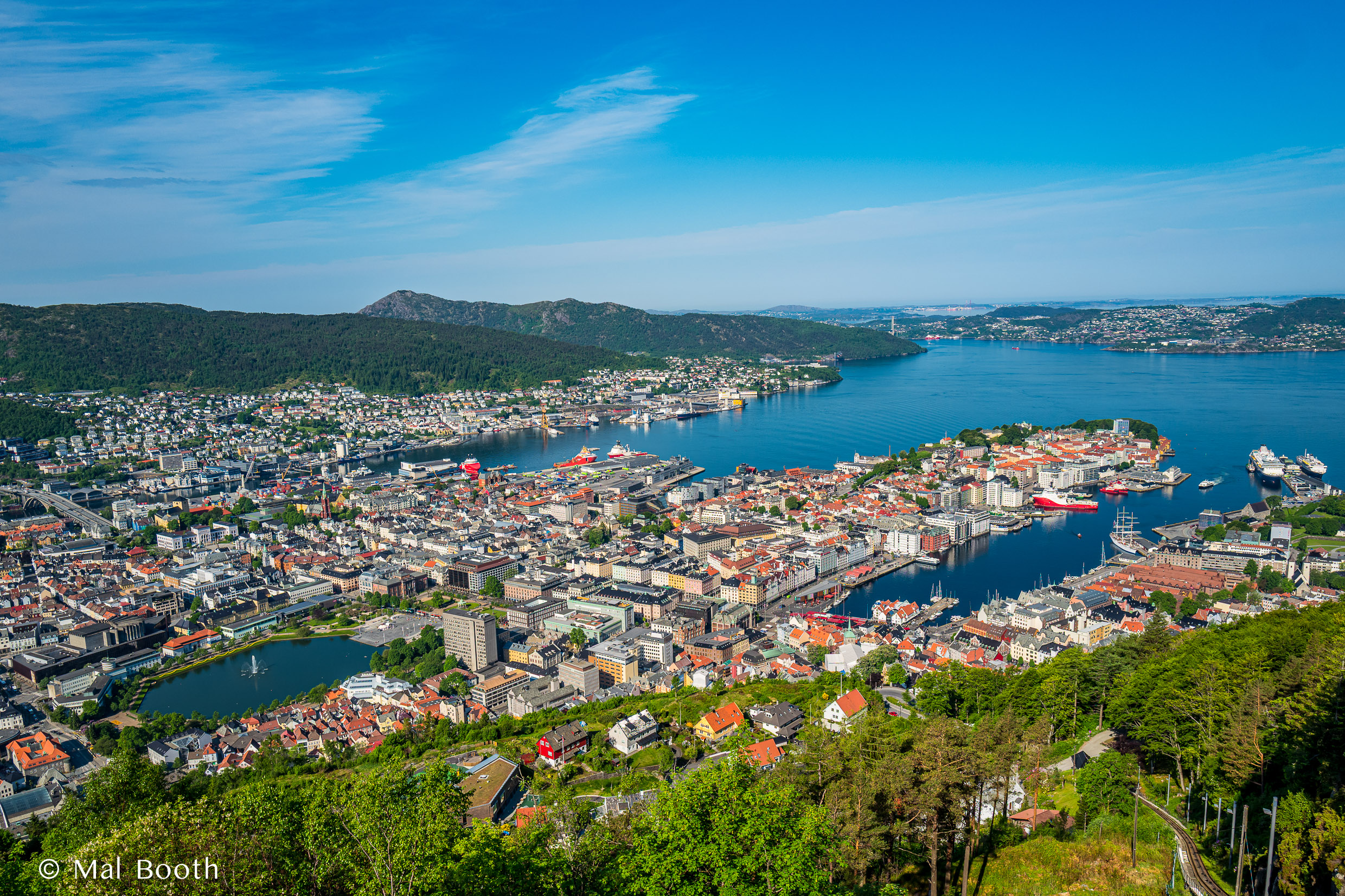
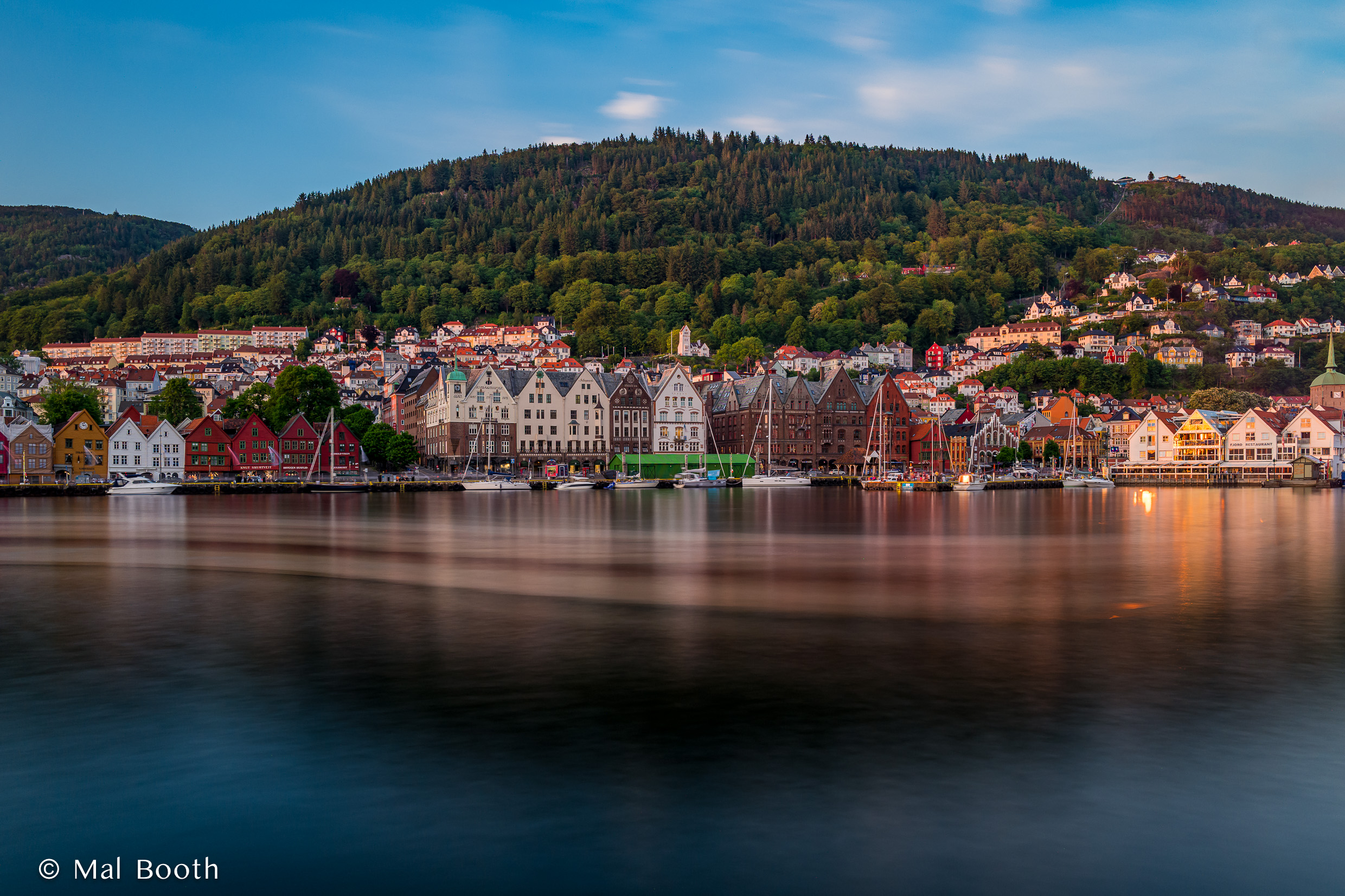
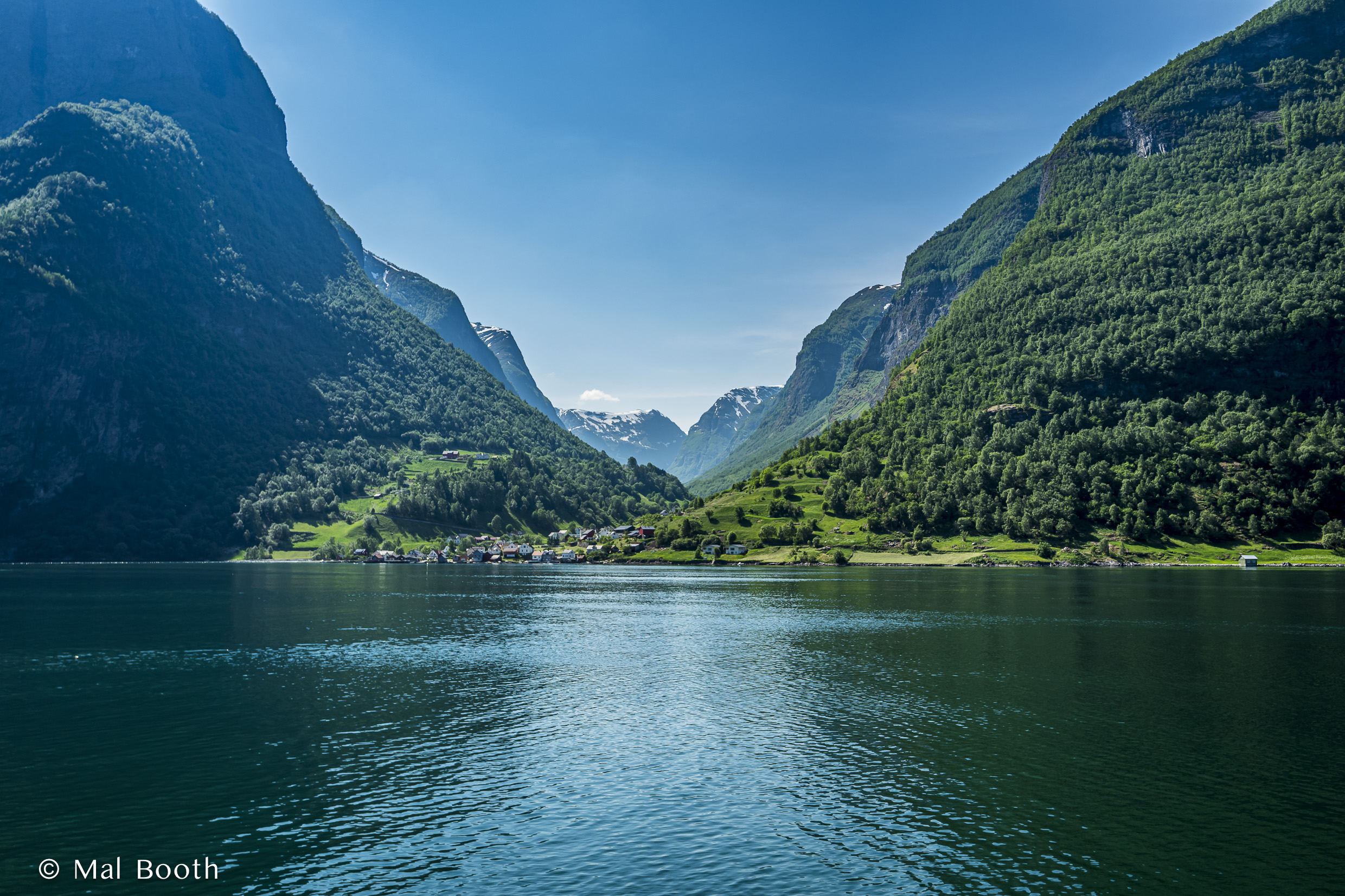
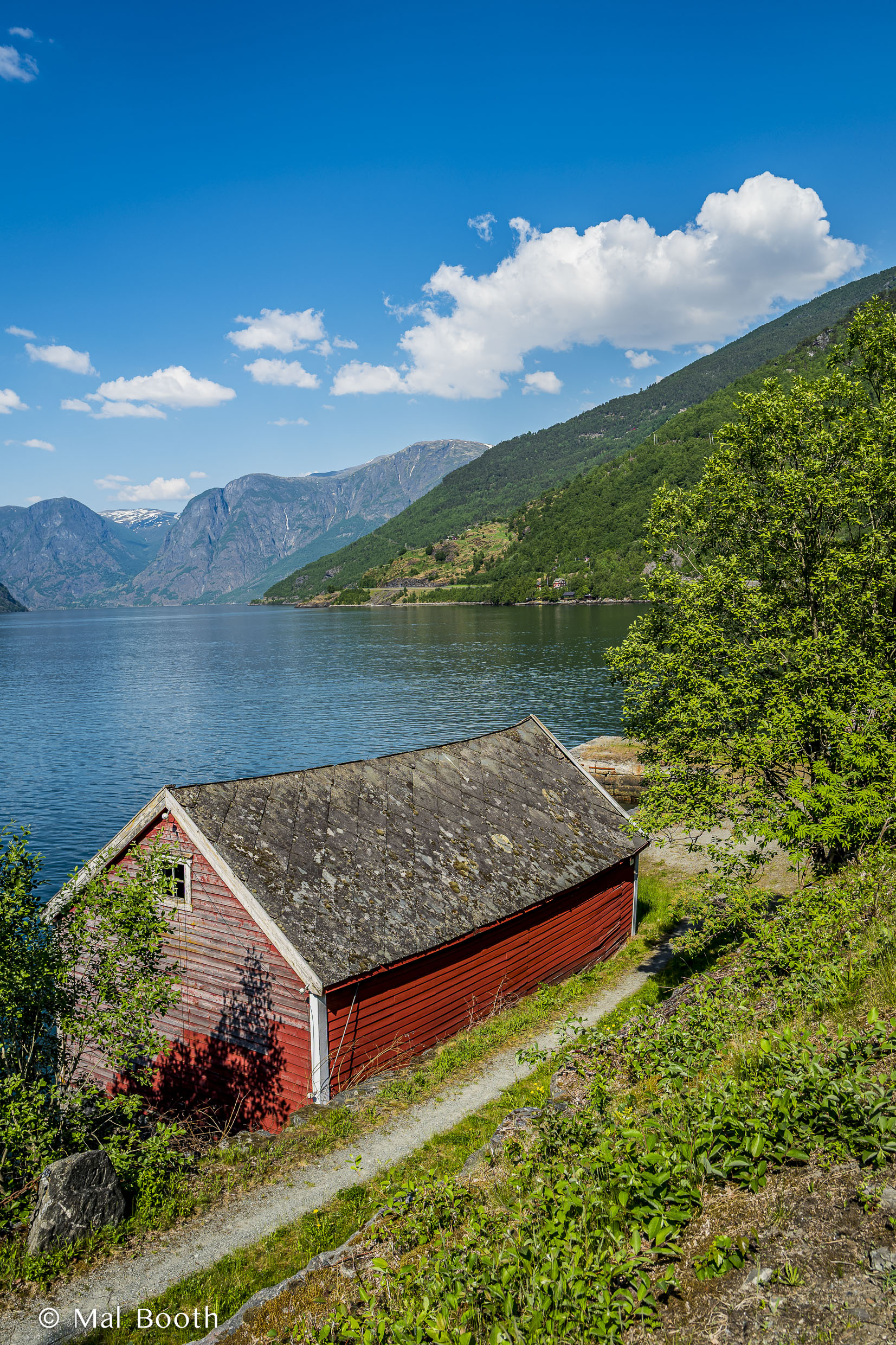
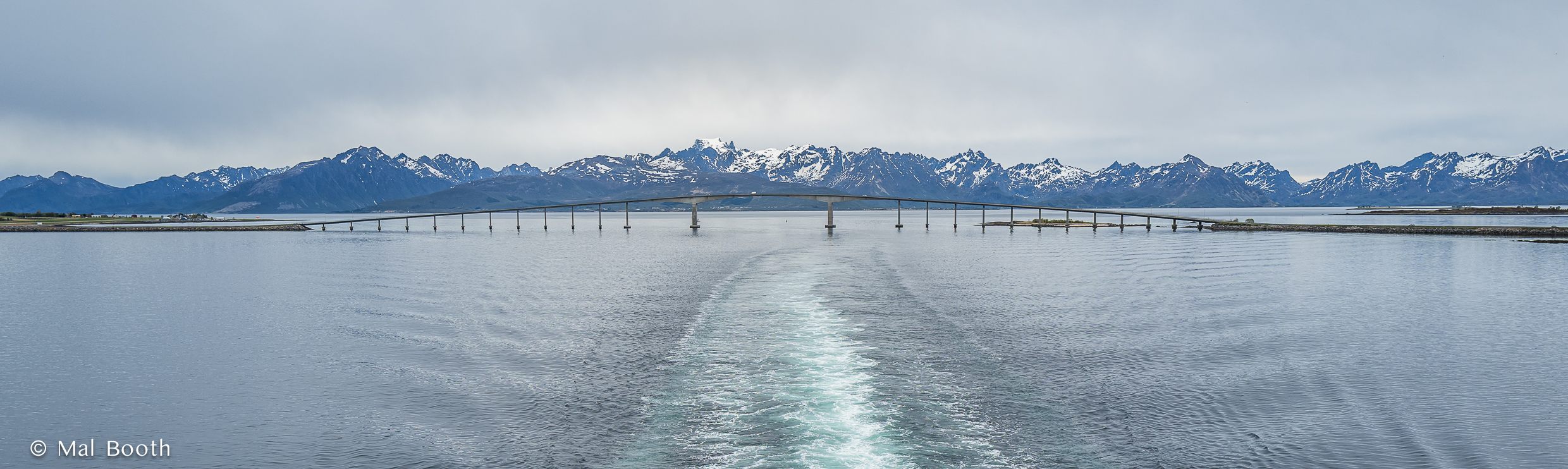
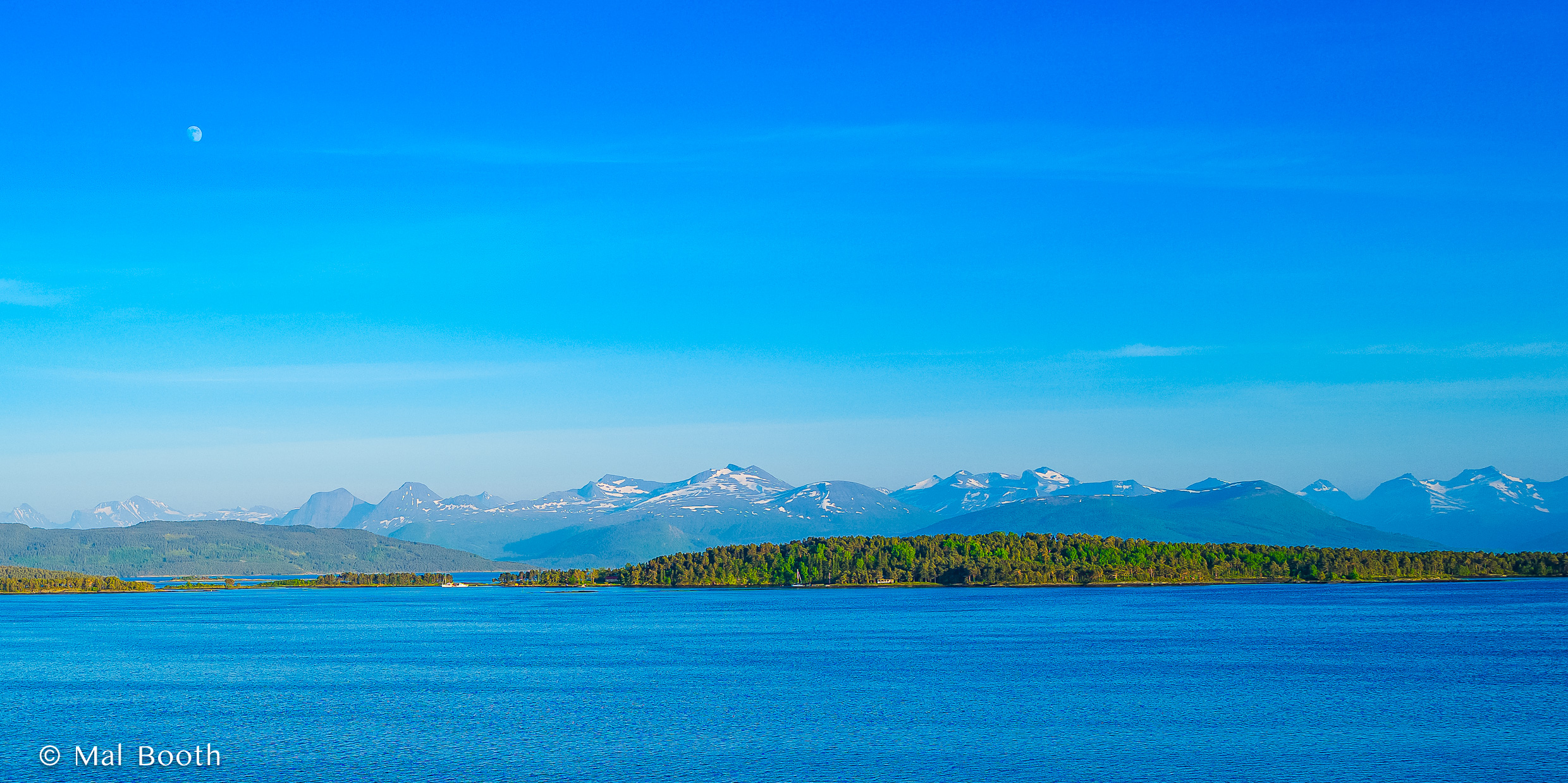
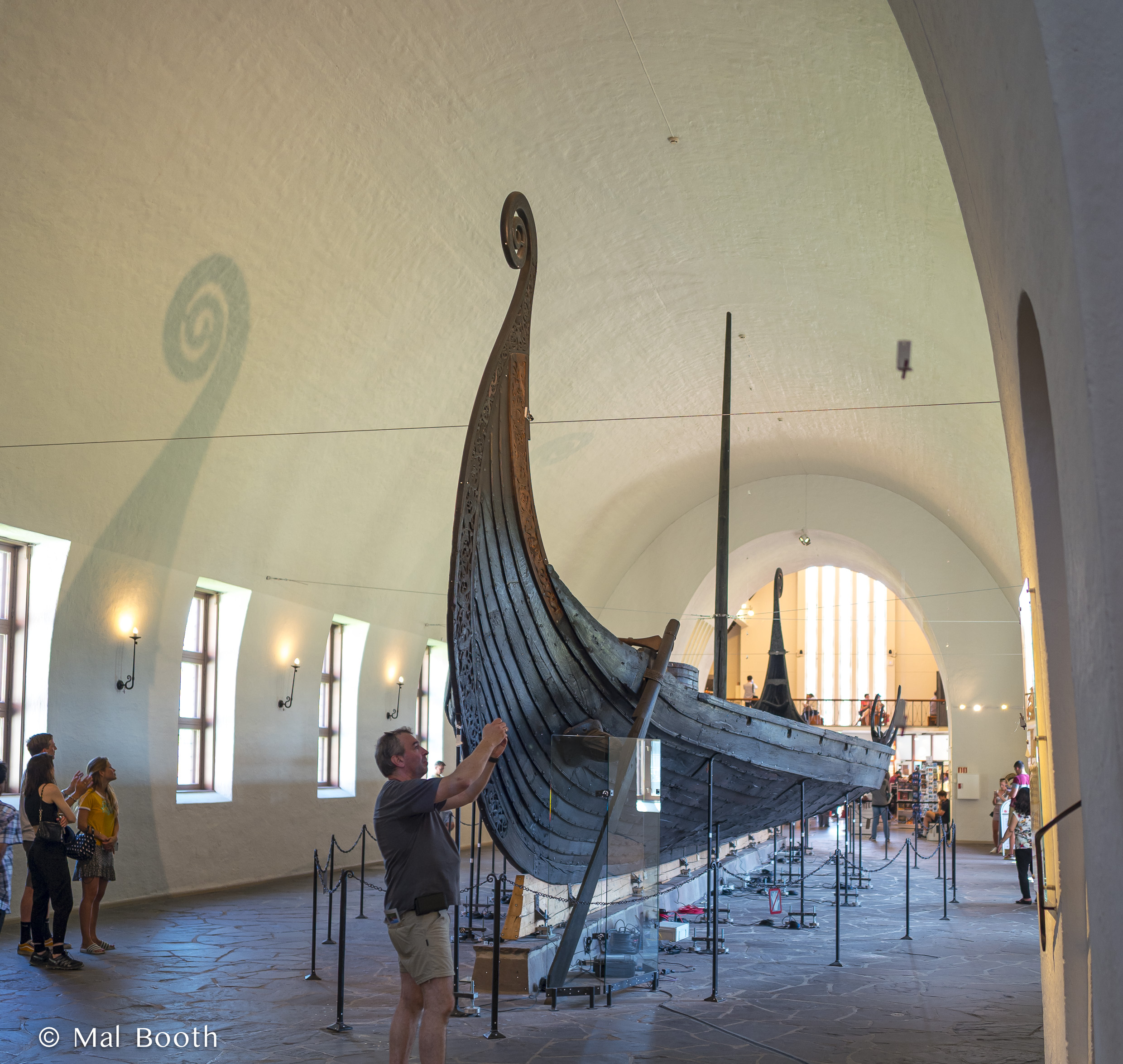
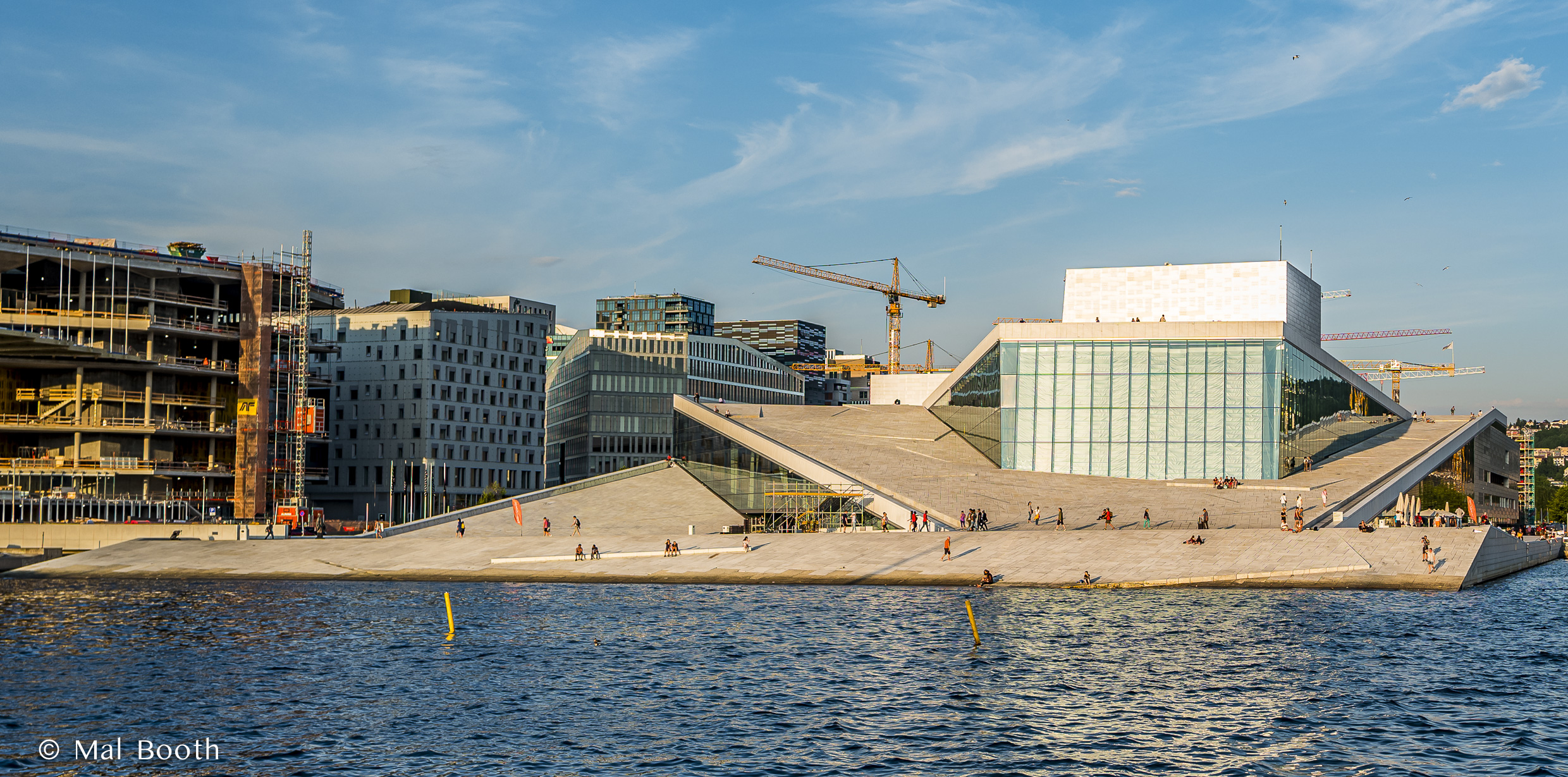
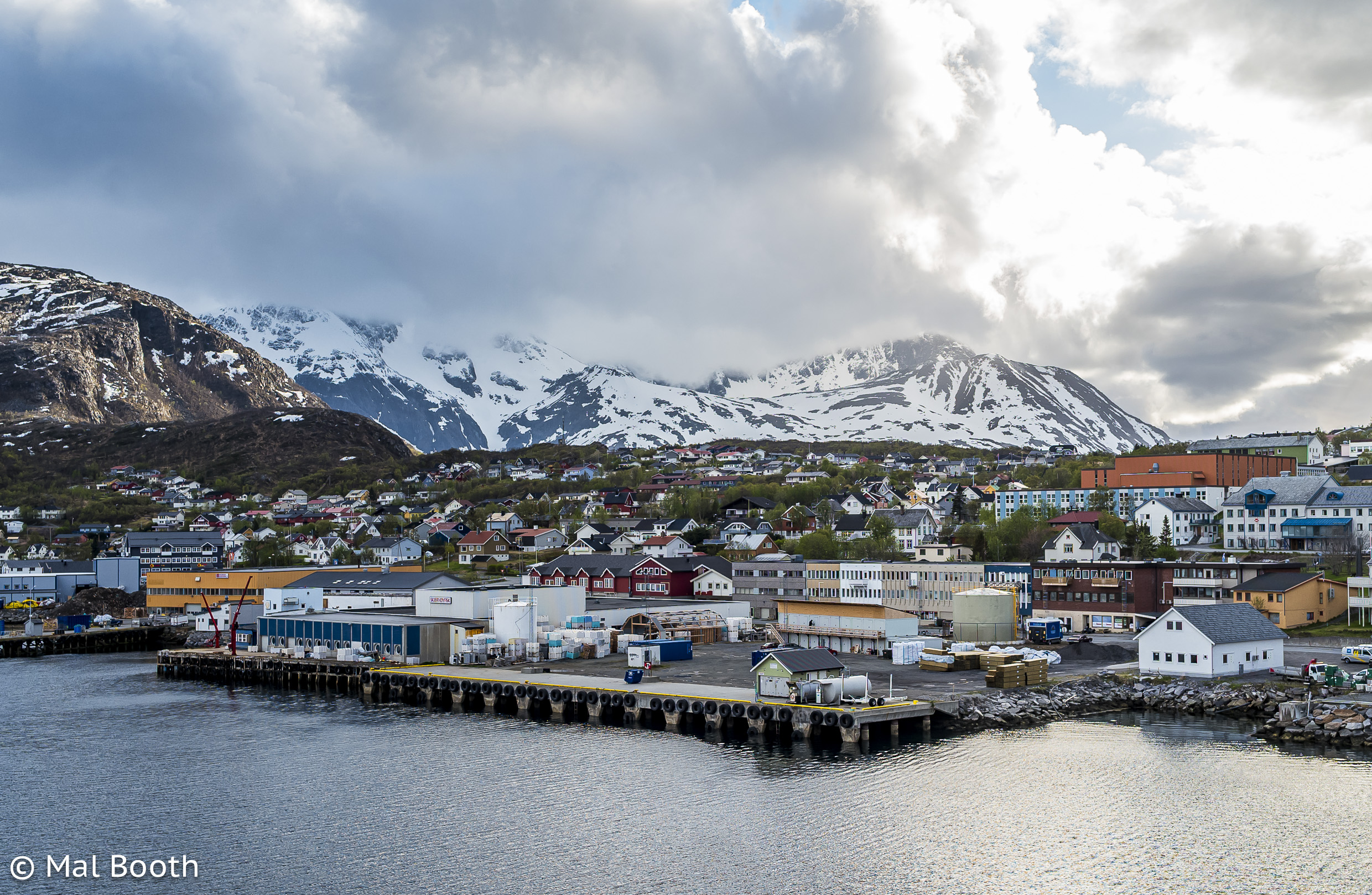
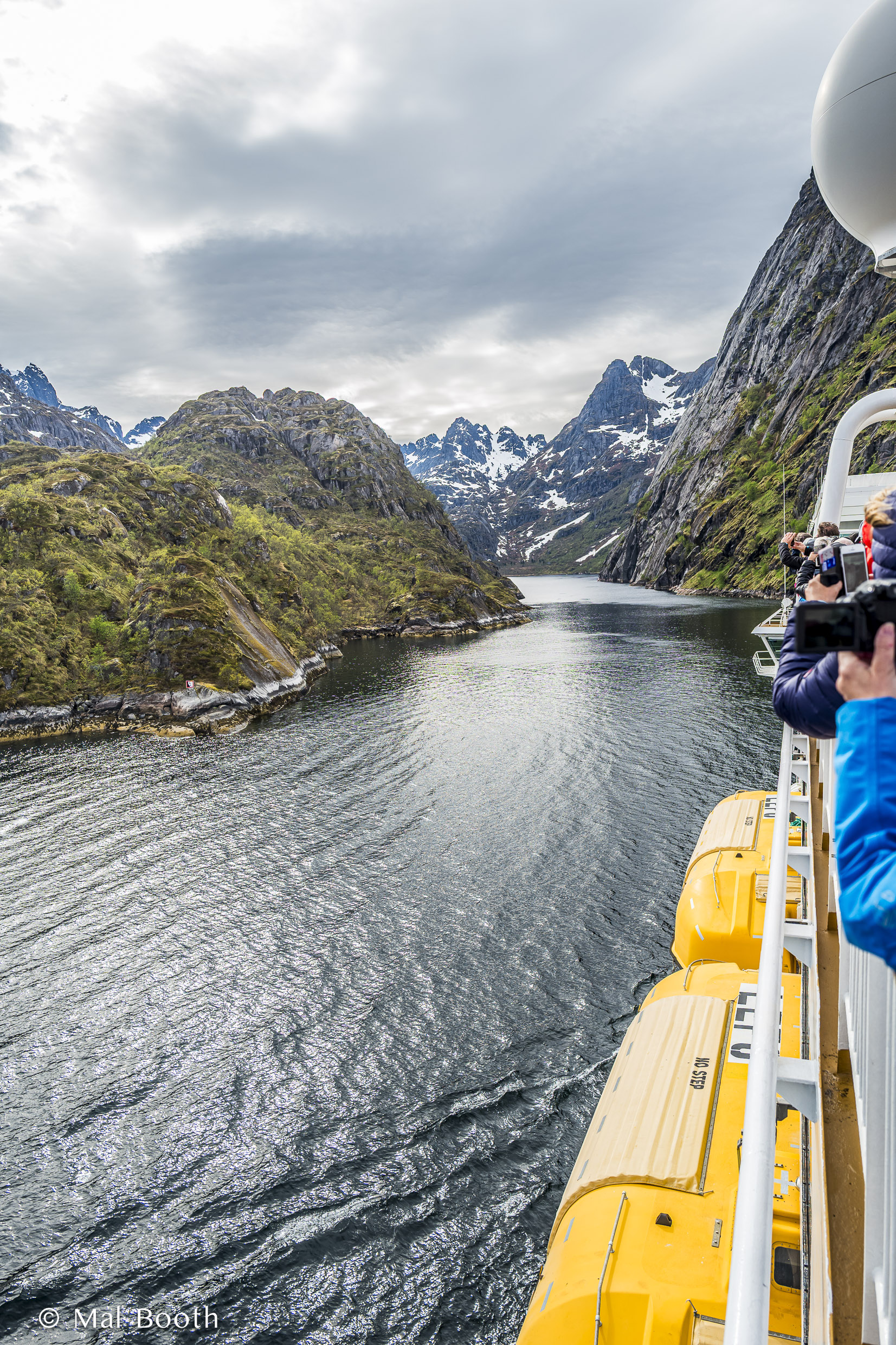
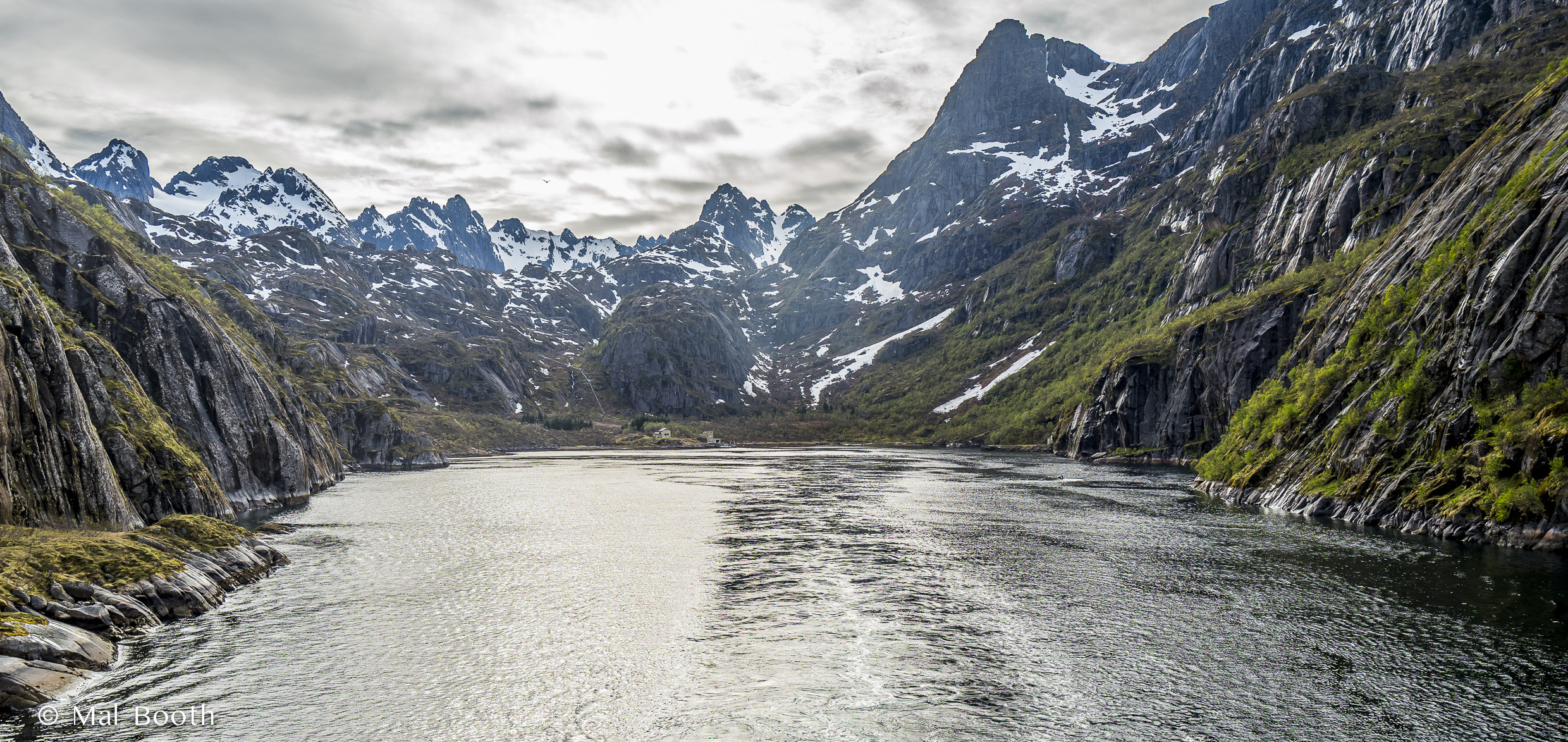
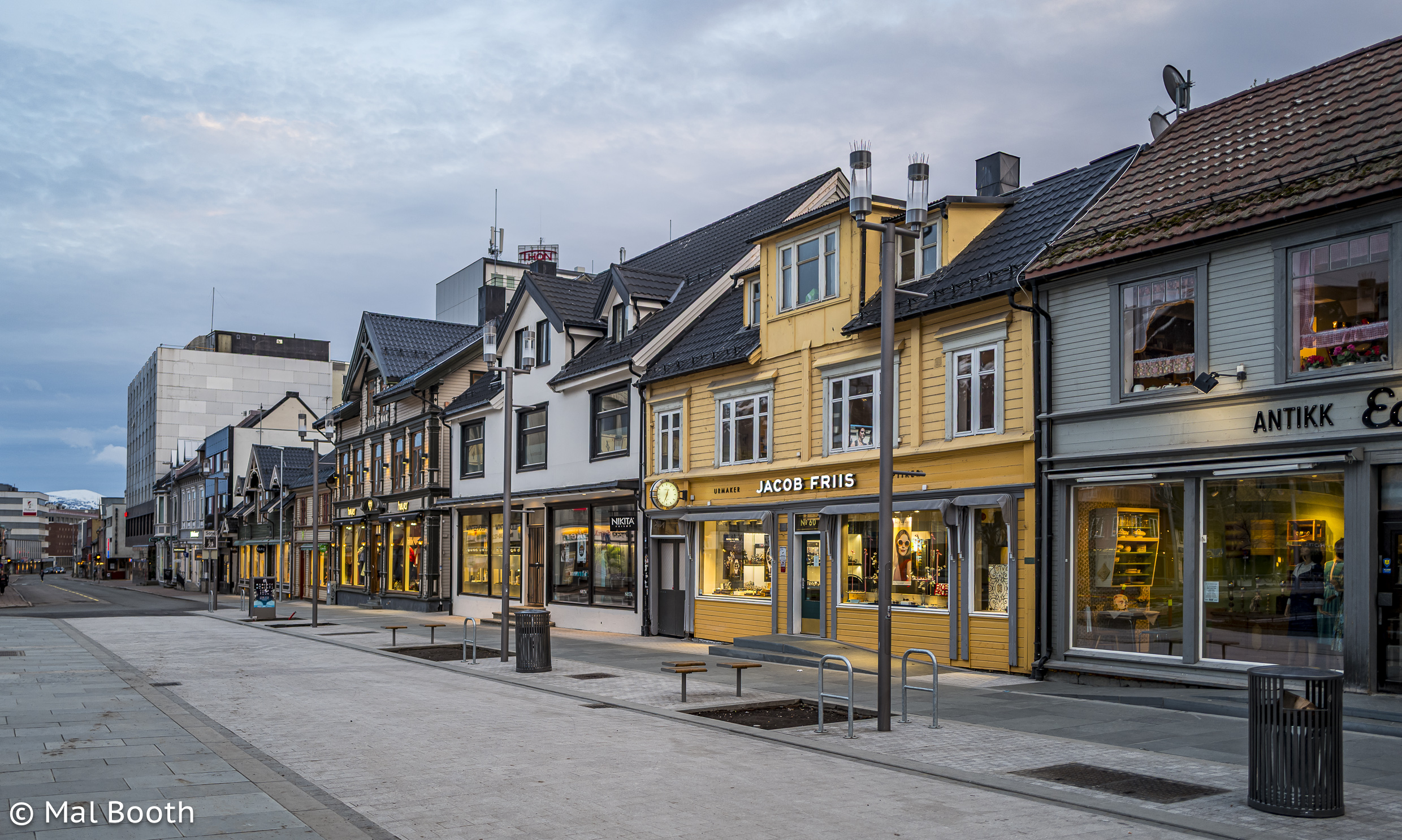
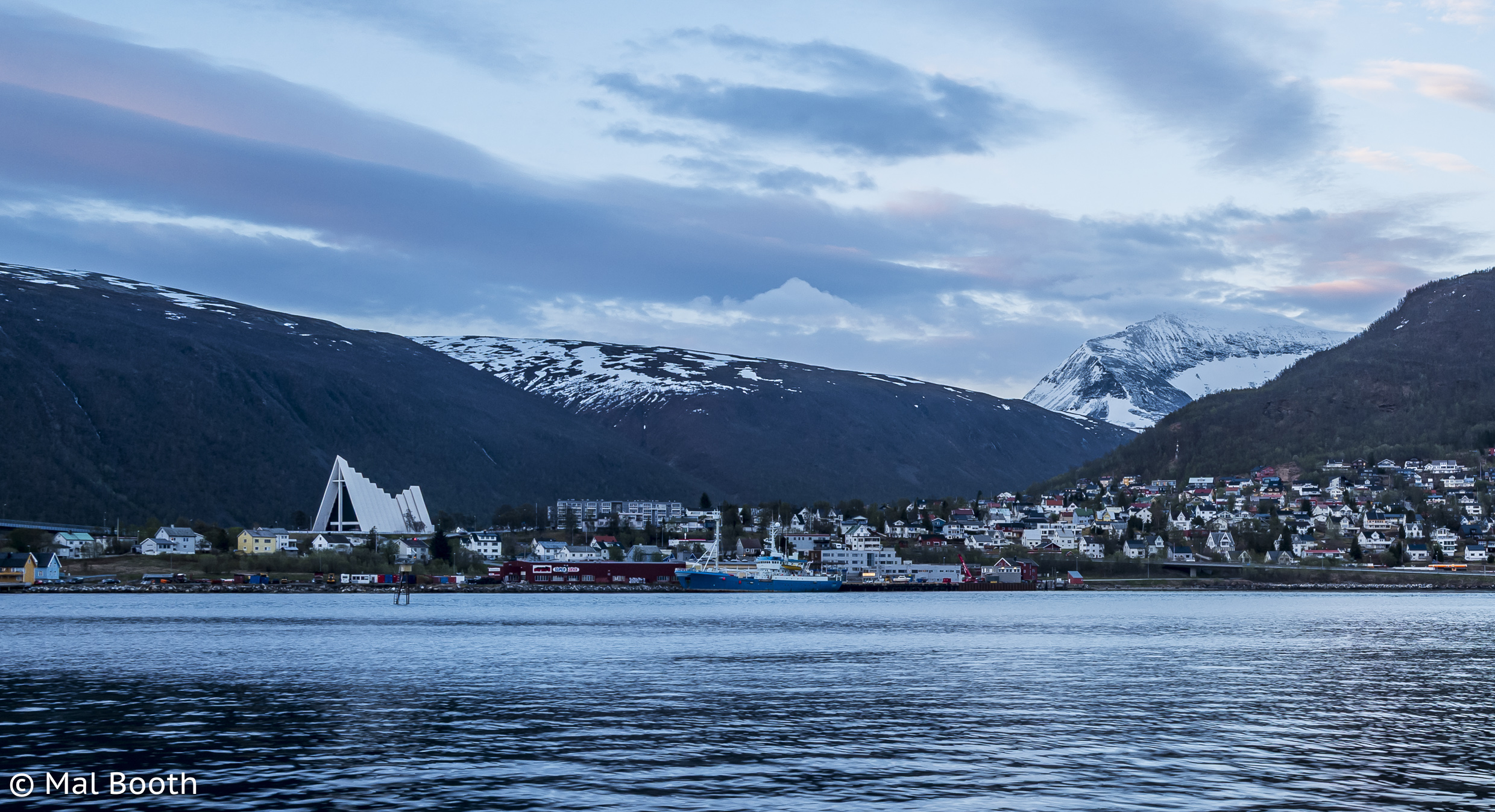
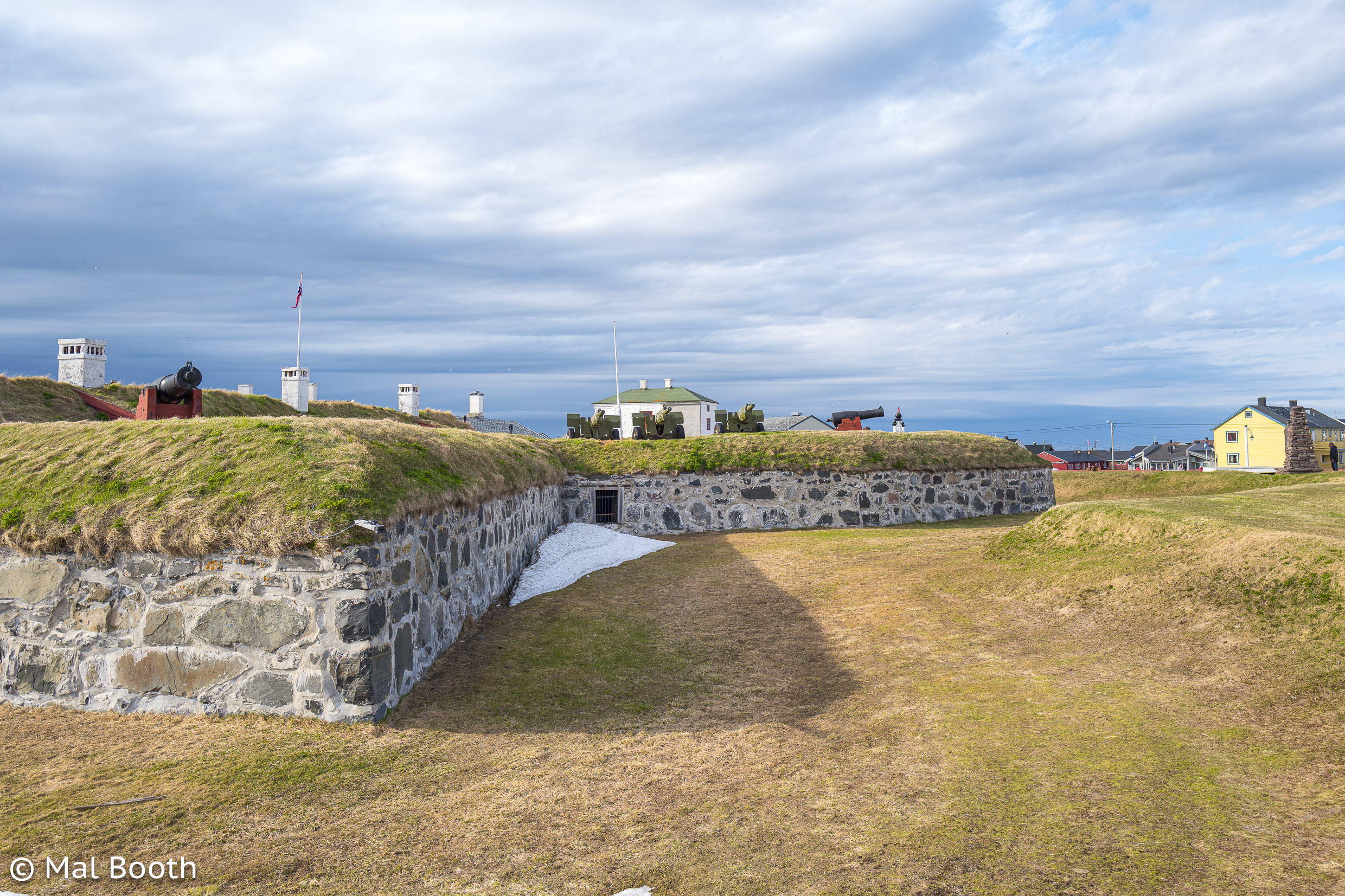
I went on a fantastic trip to Norway with a good friend, Greg. It was my first trip away with a Leica camera (a Q) and I took far too many images and then it all turned into a big muddle as I was editing and uploading on the run with an iPad mini and the whole batch was just a big mess when I got home. Sometime later all those images and their related metadata (locations, places names and edits) were stored on an external hard drive that became corrupted and all I was able to recover were the raw files.
It took me an age to get around to re-editing, re-locating and uploading a selection of several thousand images, but I did manage to complete this recently and about 250 are now on my Flickr account. The gallery below is a selection of those images.


























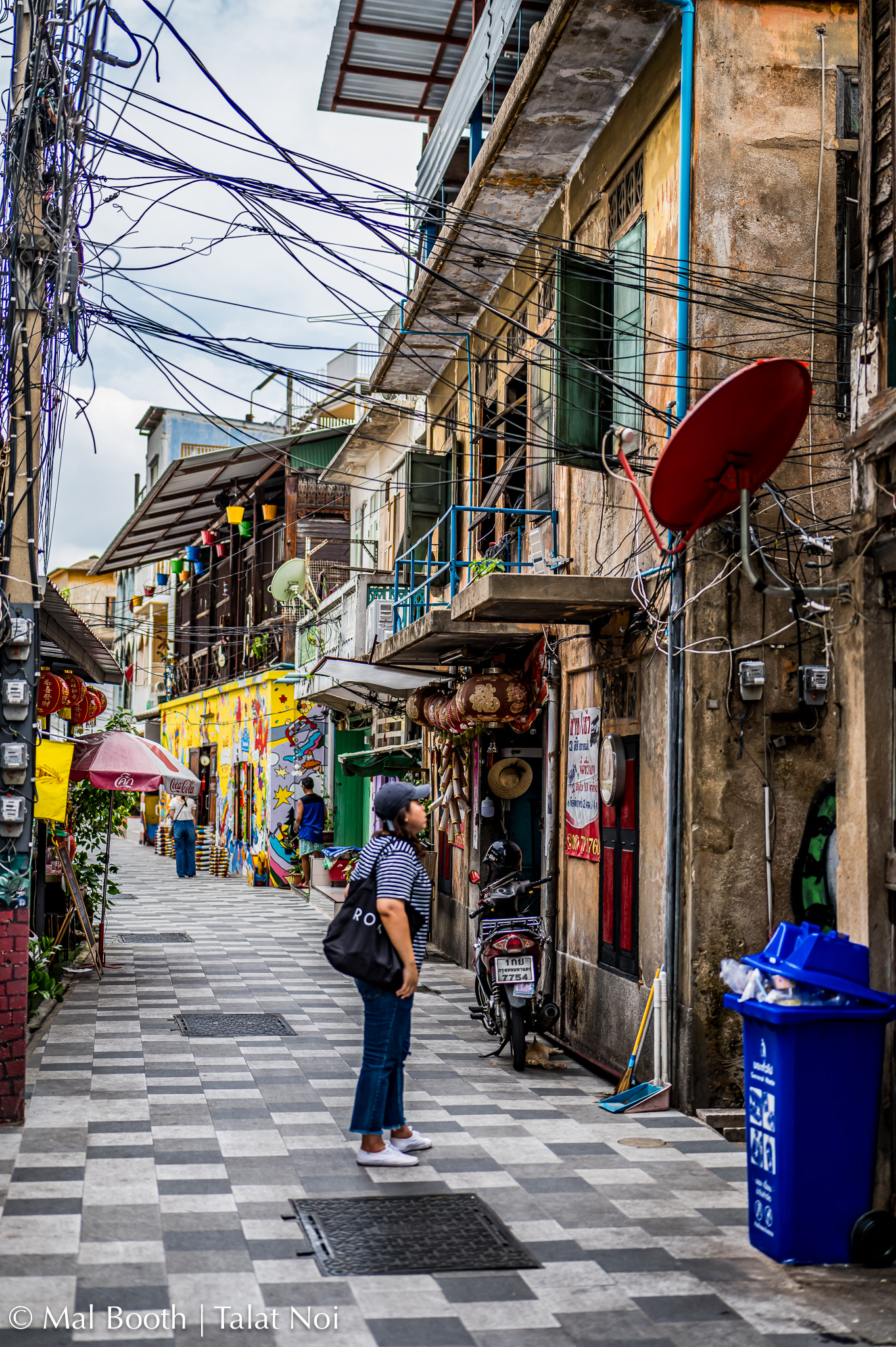
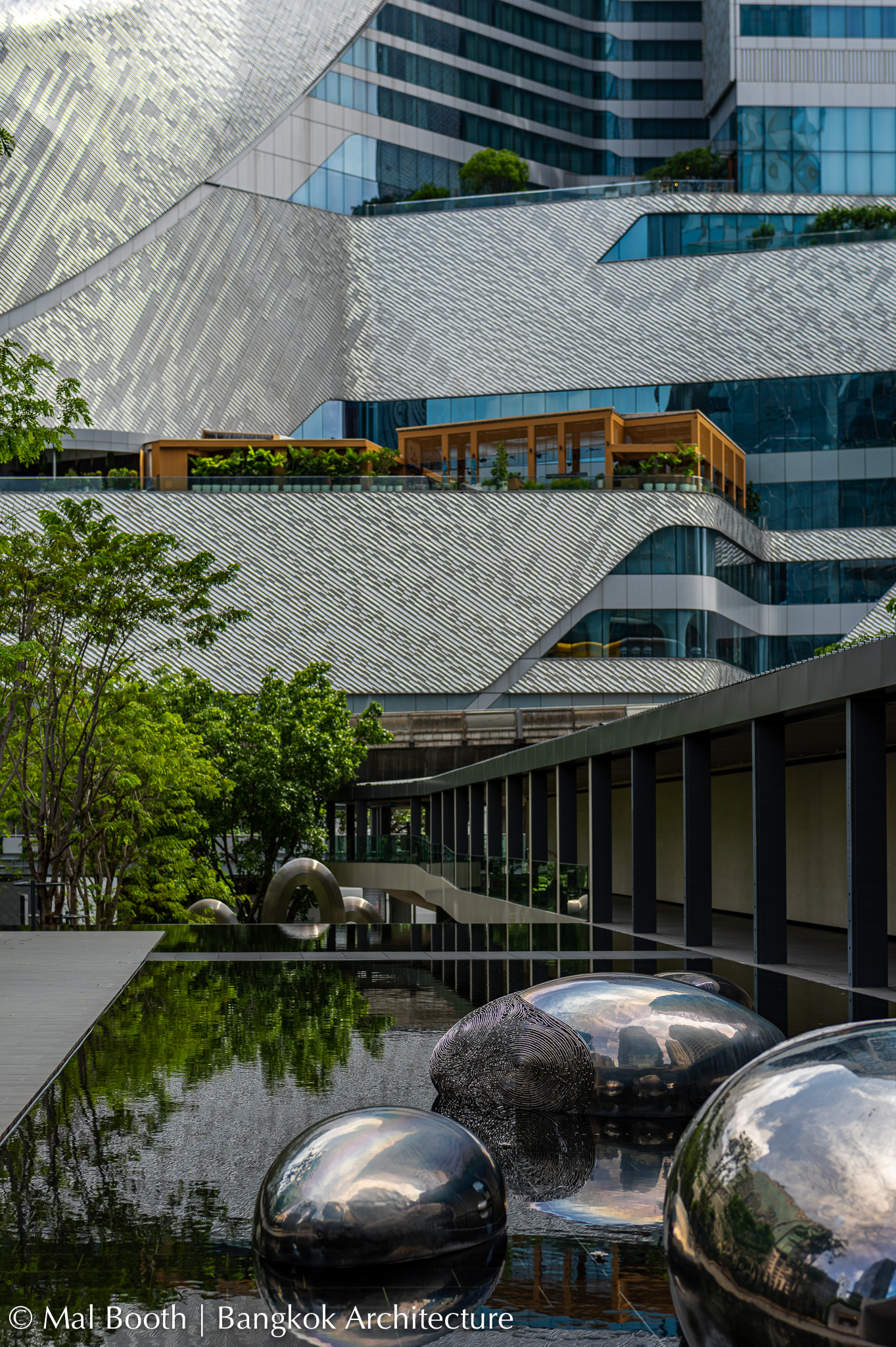
Images From a Week in Bangkok, 2024






Not the Lonely Planet Guide to Tokyo …
I’ve just returned from a couple of weeks in Japan in which I visited Tokyo, Kyoto and Nara. I had plenty of friends who gave me some advice and I bought the latest Lonely Planet guide book to read before departing. I was progressively uploading photos to Flickr during my visit and a couple of people asked me for any tips and recommendations that I had for those about to visit, so I started writing a few notes on things I had found important, fantastic to see/visit and useful for travellers not familiar with Japan.

Before you leave:
Get hold of a recent Lonely Planet or other guide book for Japan and read up on general advice for travellers and their recommendations for the cities or regions you will visit. I thought the latest edition was far too heavy to take with me so just took photos of the pages on the three cities I was visiting and uploaded them to the photos app on my laptop. That, or take some written notes with you.
Download the Google Maps app and learn how to use it “on the run” before you go. It is an absolute necessity. Using it with some bluetooth ear phones is probably wise so you don’t annoy others when you are being guided on a trip.
Download the Google Translate app and learn how to use that too. It is really useful in Japan as people want to help, but often don’t have enough English.
Download some e-sim apps and compare their coverage and data plans. I used FLEXIROAM and found their e-sim had good coverage in Tokyo, Kyoto and Nara. It was also incredibly cheap: about A$28 for 10GB of data over 30 days!
Start using WhatsApp as that will allow you to make phone calls with your e-sim plan and when on wifi, rather than paying for a more expensive (and in my experience less reliable) calls and data sim package.
Get a Revolut (Visa) card and use that for purchases in a foreign currency. It saves on transaction charges and you get the conversion rate on the day of your purchases. You just upload your own A$ to it from your savings and it operates everywhere as a debit card. You can also use it to withdraw some cash (yen) that you will need in some places (train stations, temples, shrines and other tourist attractions that only accept cash).
If you can afford it, line up a local guide for a day or half-day on your first full day as they will help to familiarise you with a few key attractions and the best ways to get around (principally the metro in Tokyo). I used a great one-on-one guide from https://www.toursbylocals.com who was a photographer and he was fantastic in both Tokyo and Kyoto. I noticed that quite a few are booked well in advance. For me these two days were well worth the money. You can search on the expertise of the guides and also on the tours they give.
Find yourself a small and light day-pack for your daily carry items (camera, sunscreen, passport, wallet, ear phones, phone, sun hat, mask, anti-bacterial wipes, etc.). This seems rather obvious, but I forgot to pack mine when travelling to Europe last year and had to buy one in Helsinki.
Get some comfortable sturdy walking shoes. In Japan I was using the metro (subway) and buses extensively and still walking up to 23k steps some days when walking around certain interesting districts, between temples in Kyoto and within parks. I recommend trail running shoes by Karhu (Ikoni Trail) and Salomon (Ultra Glide) because they are both comfortable and have very durable soles.
If you are flying into Tokyo, both airports (Haneda and Nareda) are a long way from the city centre and there are a few options to travel from them to your accomodation. Once you know where you are staying, search for the best option to get to/from the airport and note the closest metro station and the line it is on. Write it all down. A taxi or Uber-taxi will cost upwards of $70. Using the metro or monorail may involve a change of trains, or as I did you may find you are on the right line, but it is a limited express train that does not stop at your closest station (oops!). Be prepared in advance as you may well be tired after a long flight. The staff at the airport train station are very helpful.
When you are there:
Yen coins and notes are really handy, especially for a quick train ticket and at some venues. A little coin purse is handy so they do not spill everywhere.
In Tokyo when using the metro for a whole day the (JR) Value Pass will usually be best and cheapest option, but make sure you collect it when passing through the ticket gates (a one-way ticket is swallowed by the gate). Some private lines are not covered by the metro, so be aware you may need another ticket or pass with broader coverage. If you plan your trip using Google Maps, it will give you a reliable indication of the one-way fare, so get used to looking for it before you depart.
On the metro trains there is a really useful screen above the doors on the inside of the train that updates your progress, hopefully towards and not away from your destination. It flashes in both Japanese and English and stations are also numbered. On some screens it gives you a very accurate indication of the time remaining to get there.
The metro subways are great, but make sure you note the recommended exit and then look for it when you get out at your destination.
If you get off the train and your ticket will not work or you realise that you made a mistake with your fare, look for a “Fare Adjustment Machine” that will usually be either side of the exit gates. You just put your ticket in and it tells you how much more you need to pay. Easy as pie.
Be prepared for crowds or plan to avoid them if possible. I think Tokyo has more than 30 million people in an area smaller than Sydney or Melbourne. It is, however, really efficient at moving them all around. Just remember you’re not the only person on the planet and you’ll be OK. Eventually you’ll find a seat on your train or get to the front of the line.
Convenience stores, drug stores and grocery stores are all over the place. Just search for them. I found 7-11 a better option than Family Mart in convenience stores. You can also easily search for decent cafes and bakeries. Eating options are literally everywhere and at all levels of cost. I didn’t have any bad experiences and a couple of times I had no idea what I was eating.
Uber-taxis are a good option at the end of a long day or when you are tired. Booking it on Uber means you don’t need to hail a taxi and then stuff around with payment transactions at the end of the trip.
Museums are mostly all closed on Mondays, so plan on doing something else, e.g. (gardens and parks, shopping, temples and shrines).
If you plan on shopping or you are one of those people who simply cannot resist a surprise purchase should the opportunity arise, keep your passport with you. (I didn’t as I was scared of losing it!) Some Tokyo stores actually deduct the tax on a machine in their store if you have your passport or even a photo of the main page. I think that can save you around 10% on big purchases.
Some recommendations for things to see and do in Tokyo:
The Tokyo Photographic Art Museum is brilliant and puts on really stimulating and very well curated exhibitions. I saw three there on my visit. It was well worth it and one of the highlights of my whole trip.

The National Museum of Modern Art (MOMAT) has a great permanent collection and usually a wonderful exhibition. I enjoyed a great lunch there in its restaurant. It is very close to both the Imperial Palace and its grounds and famous bridges and the Science Museum (if that is of interest). From there you could easily wander back towards Maranouchi Square and the main Tokyo Station.
Depending on where you are staying it could be worth finding the historic Nihombashi Bridge and then having lunch or getting some food from the nearby Nihombashi Mitsukoshi Main department store.
The Museum of Western Art in Ueno Park has a great permanent collection and I saw a fabulous illuminated manuscript exhibition there too. Nearby you’ll also find the Tokyo Metropolitan Art Museum, the Tokyo National Museum, the National Museum of Nature and Science and the Ueno Royal Museum.
Take a long stroll through Ginza and stop by: Ginza SIX (fabulous shopping mall with boutiques and stores for all and a great rooftop garden): the multi-floor Itoya stationery store; the huge Muji flagship store; and department stores like Mitsukoshi.

Kakimori stationery store in Taito City (perhaps on your way to or from Senso-ji?) that makes its own ink, pens, nibs and provides specialist papers and you can even design your own notebook.
Walk up the busy Nakamise-dori Street to the Senso-ji Shrine & Pagoda and surrounds.
A quick visit to the Tsukiji Hongwan-ji Temple, then walk on to the Tsukiji Outer fish markets and on to the beautiful Hamarikyu Gardens.
Walk the Omotesando Hills shopping strip and walk to and around the Meiji Jingu Shrine park. This could be combined with a visit to the Nezu Museum if you start at the Shrine. The Shibuya Scramble Crossing is not that far away and should not be missed – either afternoon or early evening.
I visited the National Art Centre Tokyo in Roppongi and while the building itself is interesting, I did not enjoy the art exhibitions at all.

The Tokyo Metropolitan Government Building Observation Towers (south or north – free) offer outstanding and 360 degree views high over all of Tokyo and to Mount Fuji on a clear day. You can also wander by the very attractive Mode Gakuen Cocoon Tower (nearby) wander around Shinjuku itself.
Other options, depending on your tastes and what is on include the Sumida Hokusai Museum and the Museum of Contemporary Art, Tokyo, but I ran out of time.

Some Photos from Two Weeks in Hawai’i
I spent two weeks in Honolulu in March 2024. This time I just took my Leica SL2, a relatively new Leica APO-Summicron-SL 50mm F/2 ASPH and a Peak Design CF travel tripod. I found it a bit of a heavy carry on longer walks. The set-up, however, did not let me down.
I stayed within easy walking distance of Ala Moana Beach Park where I like to swim for about 50 mins each day and it is a great place for fireworks and sunset photography. I also have a really good friend in Honolulu who knows her way around and very generously drives me to many places I would never get to otherwise.


Some thoughts about academic libraries
These are the slides I used in a Skype presentation that I did recently for SCU Library. Just some random thoughts and observations about academic libraries from my perspective at UTS.
Some thoughts on Public Library Design
These are the slides I used for a talk I did for UTS undergraduate architecture students who were working on a public library project.
Public Library Design
James B. Hunt Jr. Library, NCSU


Hunt Library, NCSU, a set on Flickr.
Via Flickr:
Here is a large set of images from the new James B. Hunt Jr Library at North Carolina State University (NCSU).
I was fortunate enough to attend the second Designing Libraries Conference that was held this year in the Hunt Library. It was massively over-subscribed by librarians from all over North America and various parts of the rest of the world, such is its reputation already.
There are some duplicates in this set (high & low res versions) because I had uploaded many in low res format whilst travelling. I’ve tried to add some explanatory text to the most significant images as well as titles and tags. If you’re confused or really interested in something just leave a comment in Flickr.
Please have a decent look as I think they’ve really done a brilliant job.
The library is a credit to the vision of Susan K. Nutter (Vice Provost and Director) and her staff, the architects Snøhetta & Clark Nexsen and the design team.
And for those of you too lazy to look through all those images on Flickr, here is a slide show set to the Cillo remix of Bon Iver’s Calgary:
A comment on my work blog asked for information about how spaces in the Hunt Library (or our own future library) relate to teaching, learning and research strategies. Rather than just reply directly I thought I would put some additional information in this blog post along those lines. Thanks to my colleagues Belinda, Sally and Beth who provided comment and suggestions on all of this. So here it is, mind the step …
One of the most impressive aspects of the Hunt Library is how it has been planned with the broader university mission in mind, and encapsulates the aspirations of NCSU. As a research-intensive, technology University, NCSU’s mission and goal statement is not so different to ours at UTS:
As a research-extensive land-grant university, North Carolina State University is dedicated to excellent teaching, the creation and application of knowledge, and engagement with public and private partners. By uniting our strength in science and technology with a commitment to excellence in a comprehensive range of disciplines, NC State promotes an integrated approach to problem solving that transforms lives and provides leadership for social, economic, and technological development across North Carolina and around the world.
Its aspirational vision statement is also similar to ours:
NC State University will emerge as a preeminent technological research university recognized around the globe for its innovative education and research addressing the grand challenges of society.
As the gateway to knowledge for NCSU and its partners, the NCSU’s libraries play an important role in achieving this vision.
Hunt Library is one of two main libraries on campus, and is described as the face of NCSU in the 21st century, a space that expands the frontiers of learning and research. To enhance innovative learning and teaching practices, Hunt provides a place for students to connect to peers, faculty and researchers across disciplines, work with tools that erase distance and promote collaboration, access world-class research collections, showcase their work in digital and physical displays, and explore new technologies that encourage and enable the creation of games, films and music, and working with “big data”, 3D models or prototypes. It is also a space designed to inspire and elevate; encouraging creativity, curiosity and the pursuit of new knowledge through the quality of the building’s design and finish, the ubiquity of accessible technology, the thoughtful inclusion of collections, scholarly reading rooms and exhibition spaces throughout the building, and a program of cultural events and displays.
For other members of the NCSU community, including faculty, researchers and industry partners, purpose-designed, technology-enriched spaces enhance their teaching, research and scholarly activities in line with the NCSU vision to be a leading technological research university and an innovation centre for their region driving economic and social benefits.
These are achievements we think our future library should aspire to in order to support our own strategies for learning and research.
Fortunately we have a strong basis to build a library that furthers the UTS vision to be a world-leading university of technology and provides a competitive advantage for UTS. Like Hunt Library, our Library Retrieval System (LRS), will free library space from housing our entire collection of print material, enabling expanded spaces for a full range of scholarly activities, while keeping the collection easily accessible. Looking to the successful example of Hunt, the types of spaces we will provide should include:
- a variety of individual and group study spaces from quiet individual study to group study spaces that account for different learning needs and individual preferences;
- ample power, data and wifi to cater for current and future technology;
- incubator spaces for exploring new technologies;
- digital media editing and production facilities;
- sophisticated areas for creating simulations and virtual environments;
- gaming spaces for the scholarly study of games;
- panoramic (digital) displays to showcase academic and student work;
- makerspaces for model making; and
- spaces for special collections and exhibitions that provide exposure to culture and inspiration.
Importantly and in addition to the spaces and technologies in their libraries, both NCSU and UTS libraries provide services that enable the success of their students and support researchers including:
- improved information discovery through online catalogue search and discovery tools;
- online reference, interlibrary loan, access to 7.2 million shared books available on request through Bonus+;
- open and closed reserve services for all required textbooks and 24 hour access to electronic reserves;
- online guides to library resources for all faculties;
- lending services for technologies such as laptops, tablets and e-readers;
- Copyright and eScholarship services, collaborating with scholars on digital publications, our digital repository, IP/Copyright issues and our Open Access press – UTS ePress;
- extensive data support services providing advice (via training sessions and consultations) on data management planning, discovery, description, sharing and preservation;
- research support services from specialist librarians who have experience in searching for resources in particular fields;
- training and instructional support, from literature review to navigating subject specific databases and also advice on how to find, use and attribute unrestricted resources such as images, film and media; and
- tailored information literacy programs from orienting new students to expert researchers, – including workshops, video tutorials or games such as treasure or scavenger hunts.
We see that a future library like Hunt can create a new heart for our redeveloped campus that helps form a hub of creative collaboration between students, academic staff, researchers and industry partners. Just as Hunt Library has done, our future library could become the University’s intellectual, cultural and social centre. The future library should promote learning and knowledge creation, enable experimentation, support innovative projects and partnerships and showcase UTS research and scholarship, providing inspiration for our current and future students. It should complement other campus redevelopment projects that breathe life into the aspirations of our University.
Some thoughts about MONA (Part 2)
I promise this is the last in the series of hand-written posts about Tasmania. It just seems appropriate to wrap it all up the same way.


Some thoughts about MONA (Part 1)
Here is Part 1 of my reflective thoughts on MONA in Tasmania. Part 2 is here.


Theatre of the World (past exhibition) http://www.mona.net.au/past-exhibitions
Smith Journal http://www.smithjournal.com.au/
The Onion http://www.theonion.com/
Fender Katsilidis Architects http://www.fkaustralia.com/
My images of MONA on Flickr http://www.flickr.com/photos/malbooth/sets/72157633236587086
 FromMelbin