
Category: Design
Norway 2018, Revisited
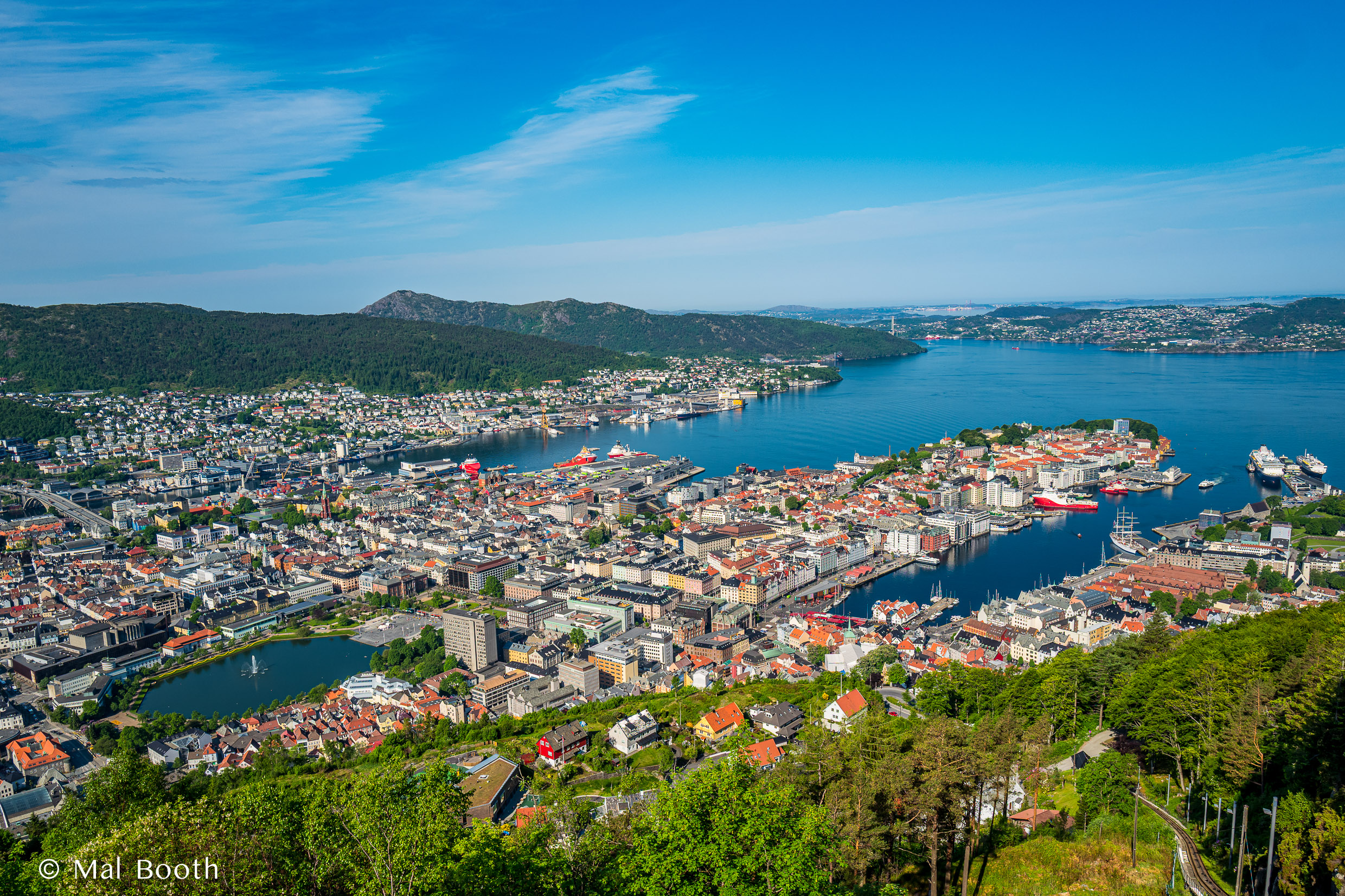
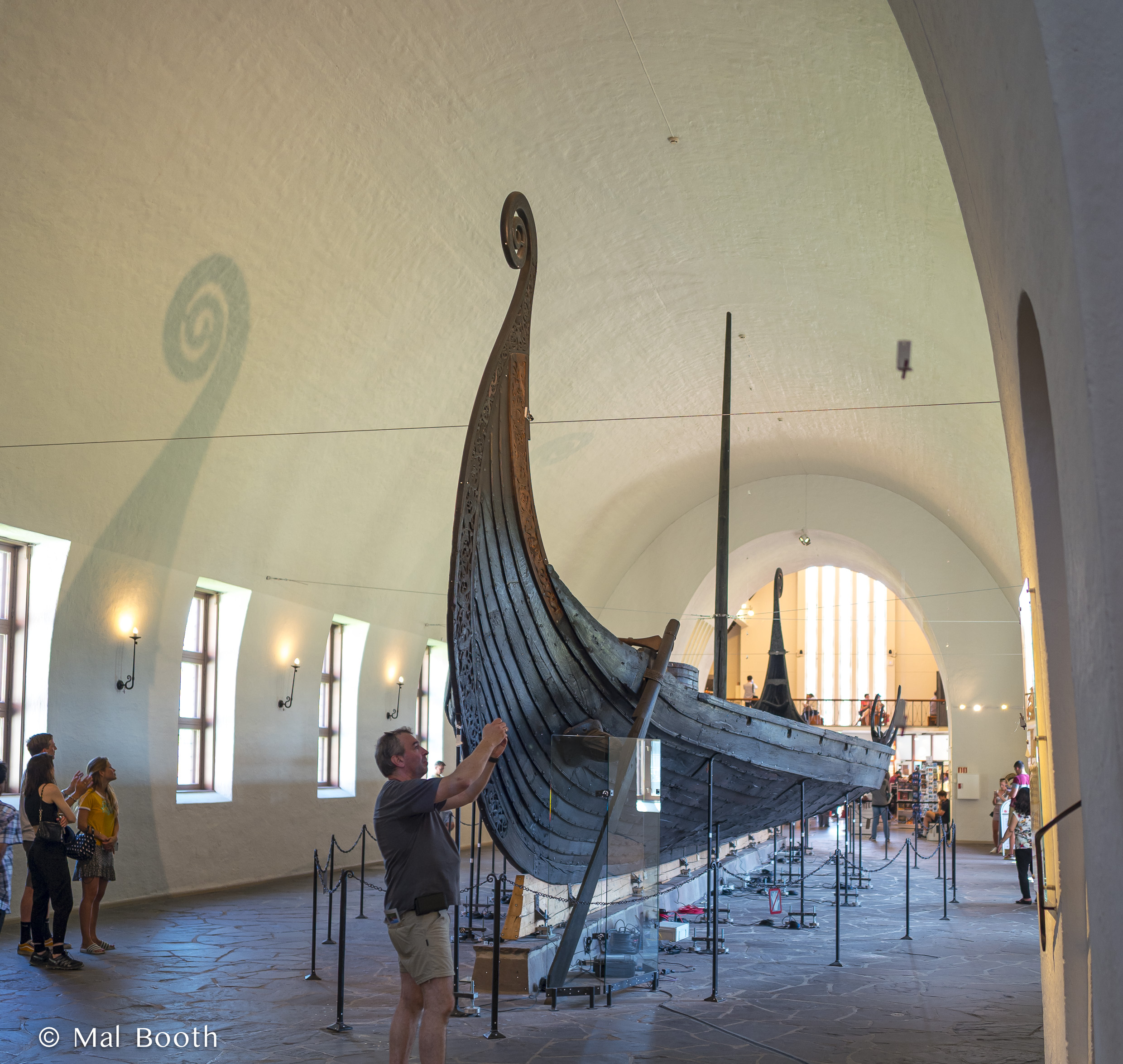
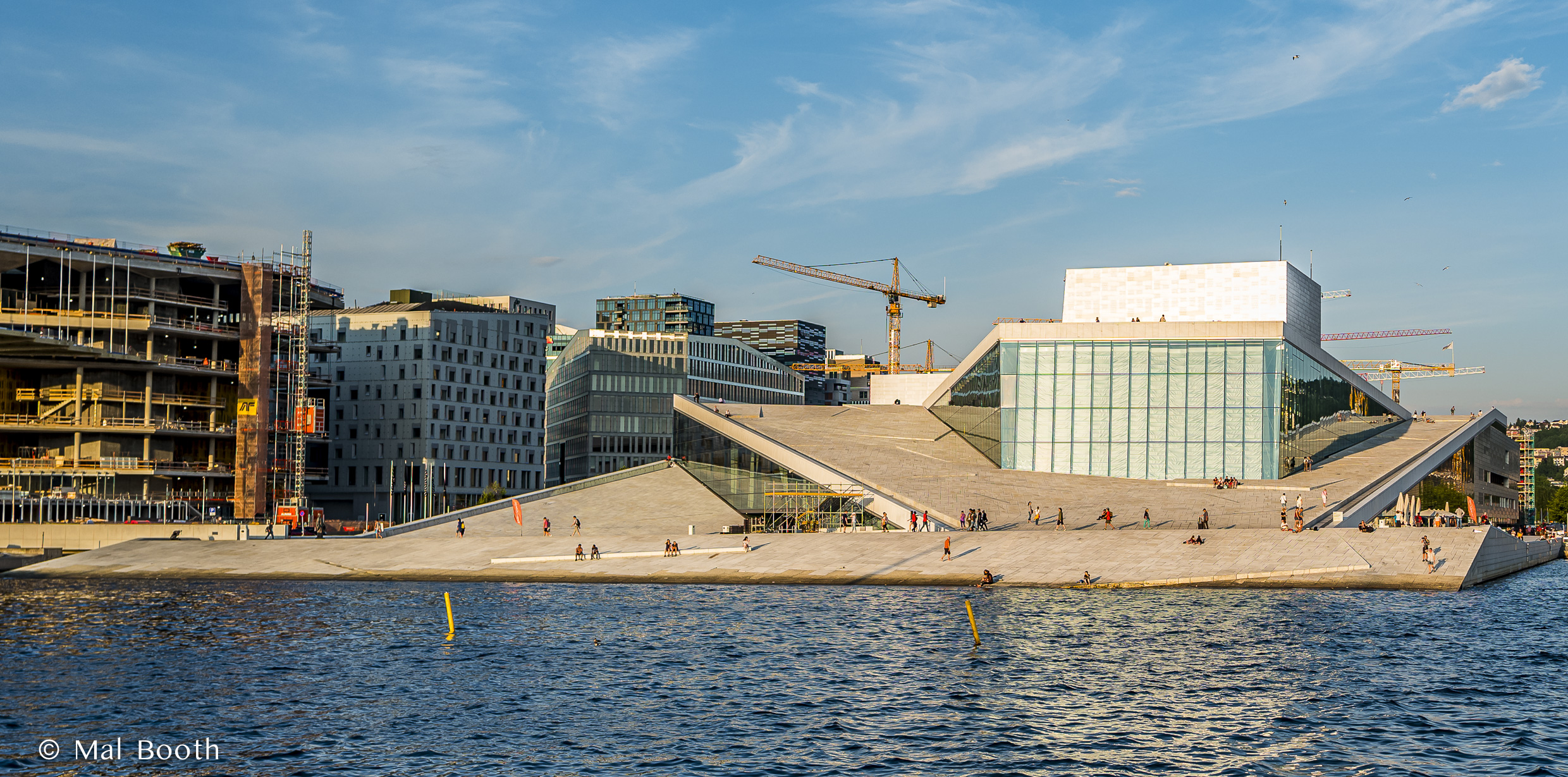
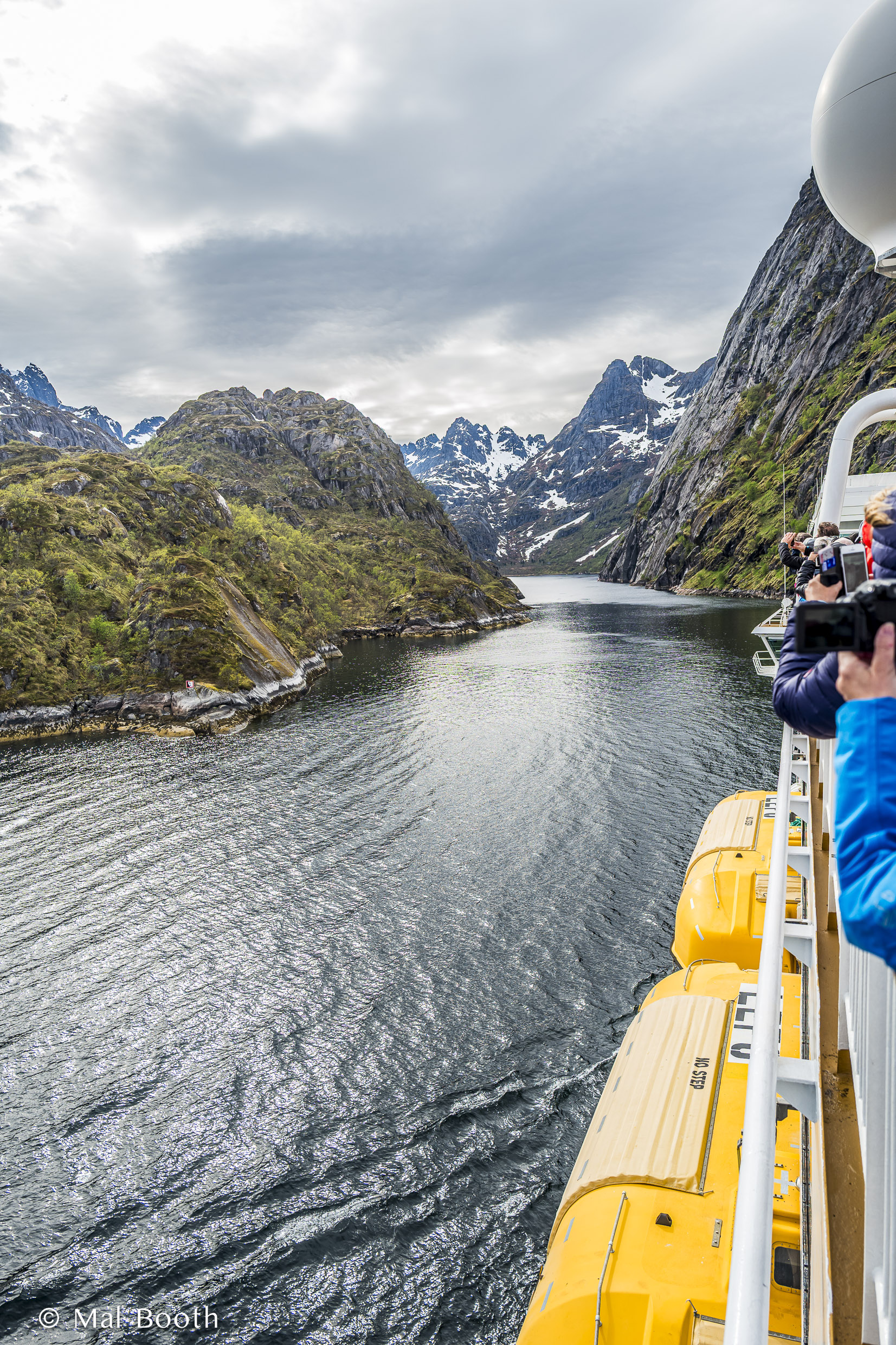
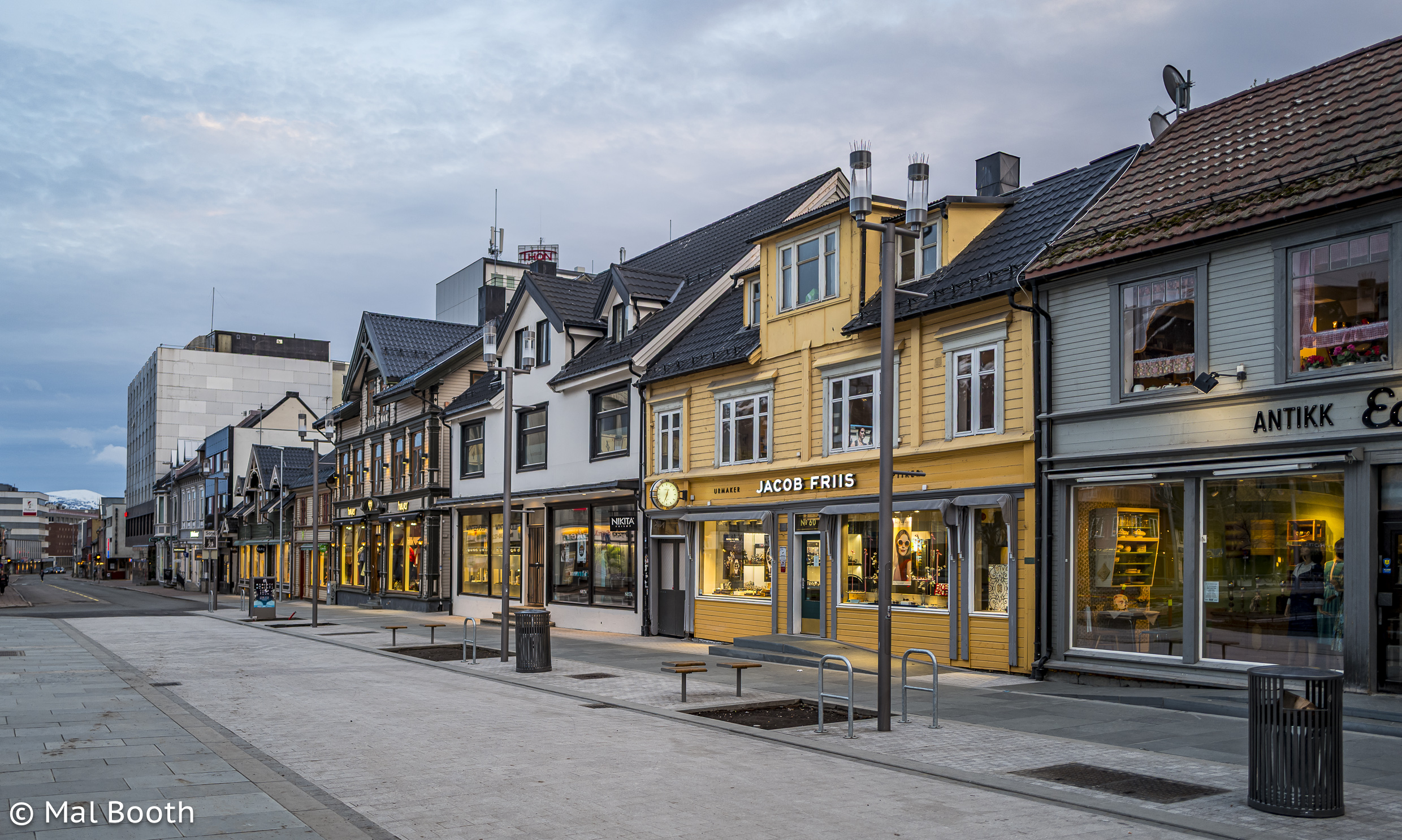
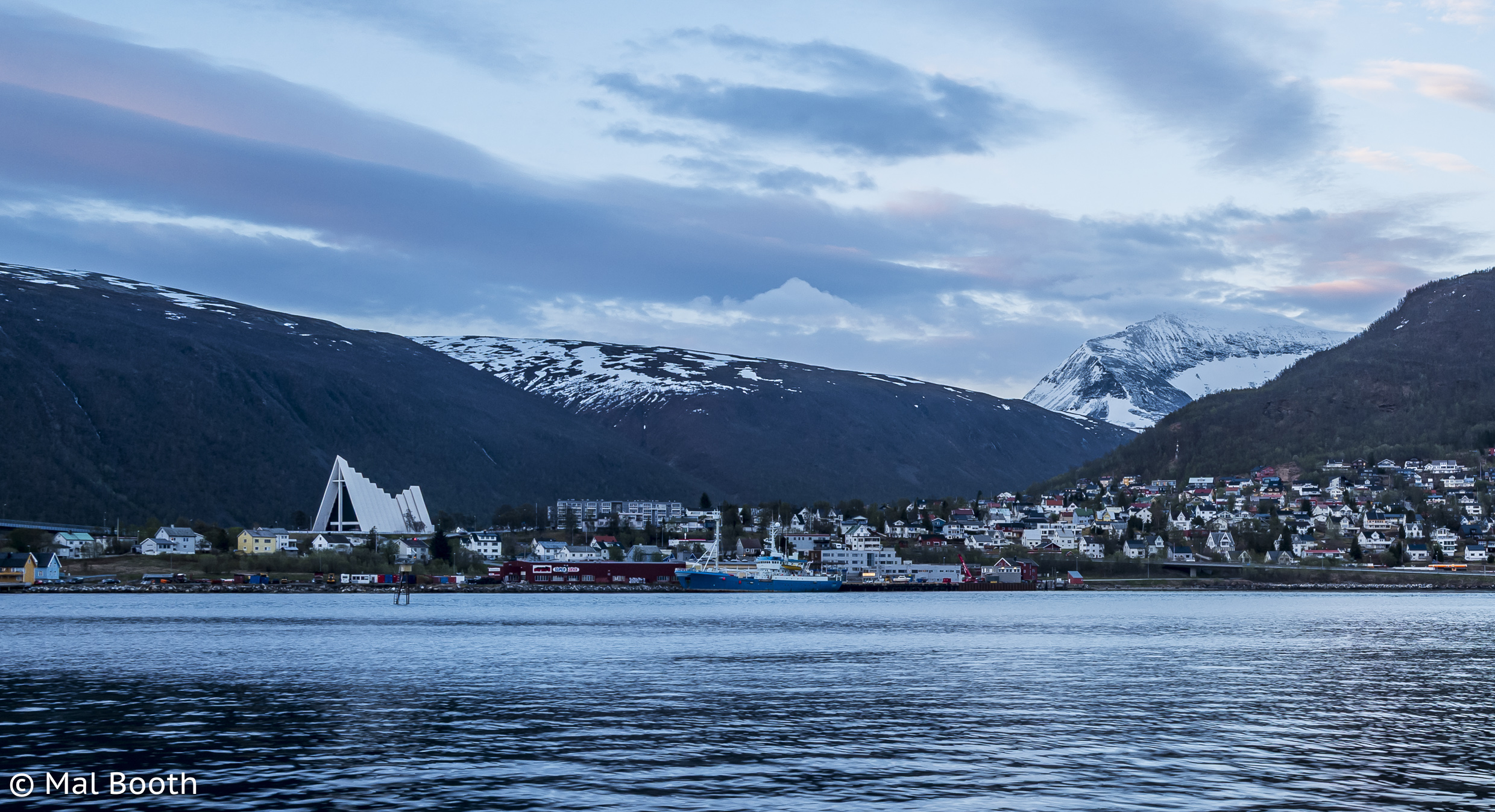
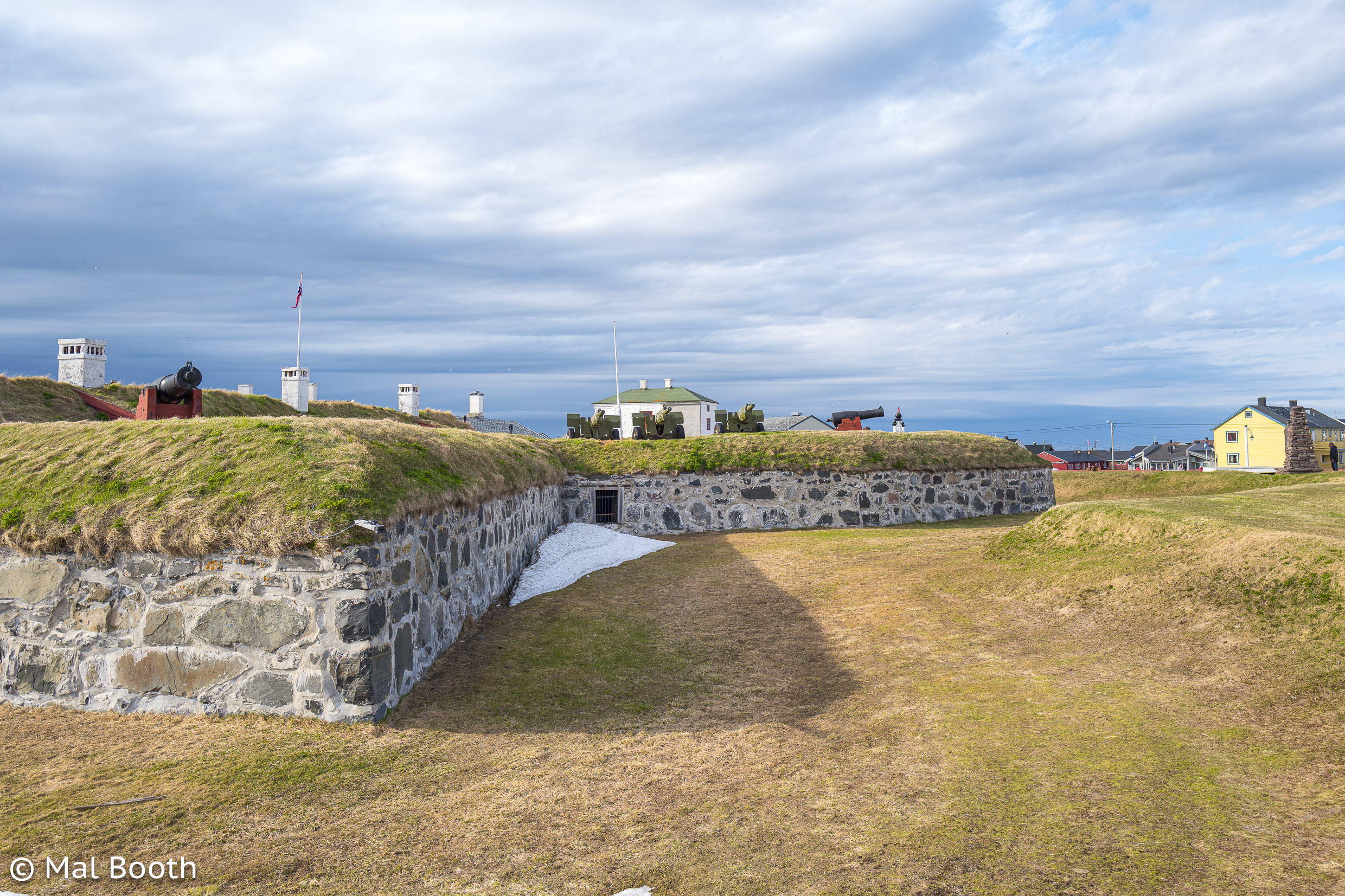
I went on a fantastic trip to Norway with a good friend, Greg. It was my first trip away with a Leica camera (a Q) and I took far too many images and then it all turned into a big muddle as I was editing and uploading on the run with an iPad mini and the whole batch was just a big mess when I got home. Sometime later all those images and their related metadata (locations, places names and edits) were stored on an external hard drive that became corrupted and all I was able to recover were the raw files.
It took me an age to get around to re-editing, re-locating and uploading a selection of several thousand images, but I did manage to complete this recently and about 250 are now on my Flickr account. The gallery below is a selection of those images.


































2024: My Year in Images






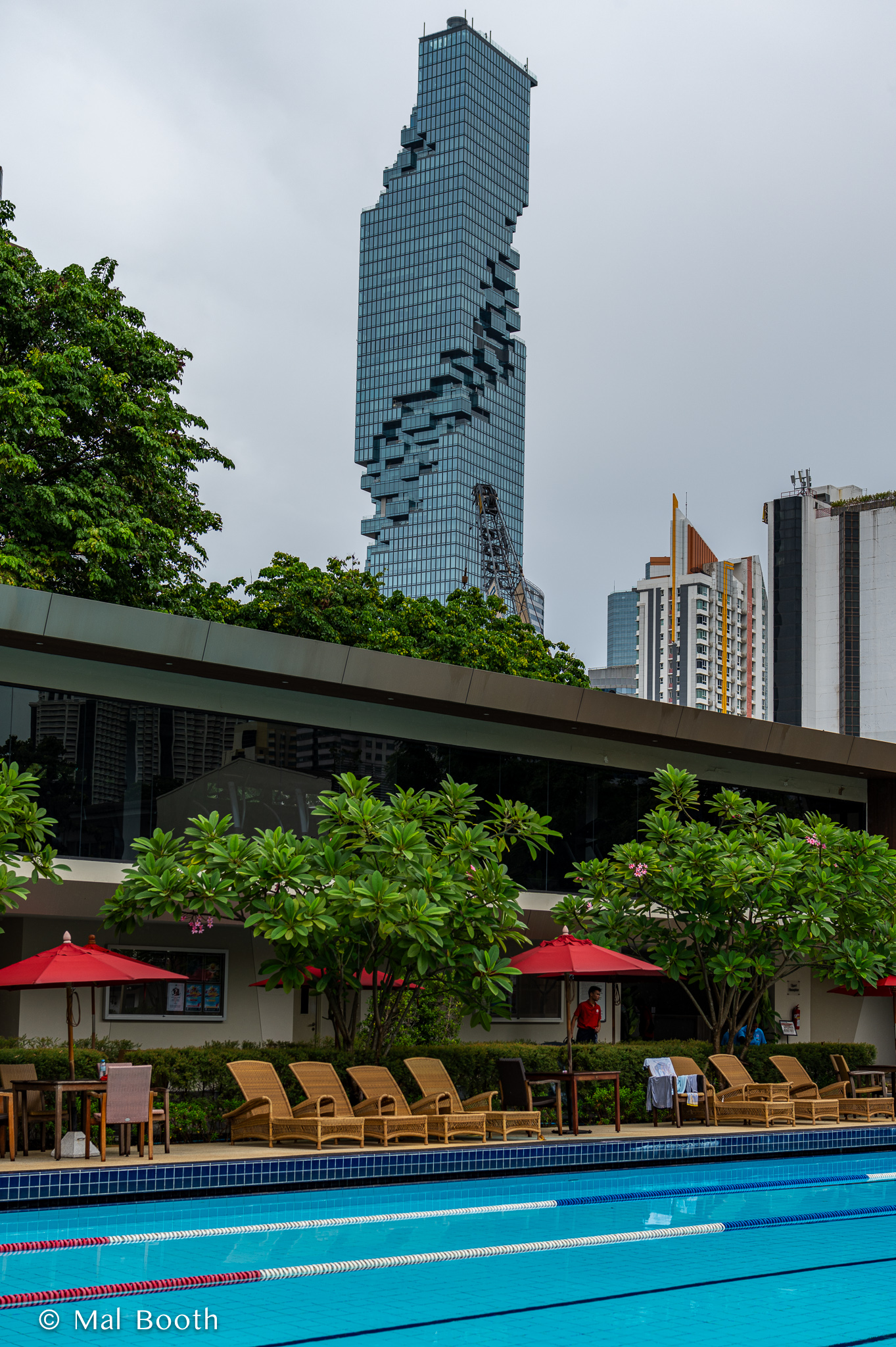


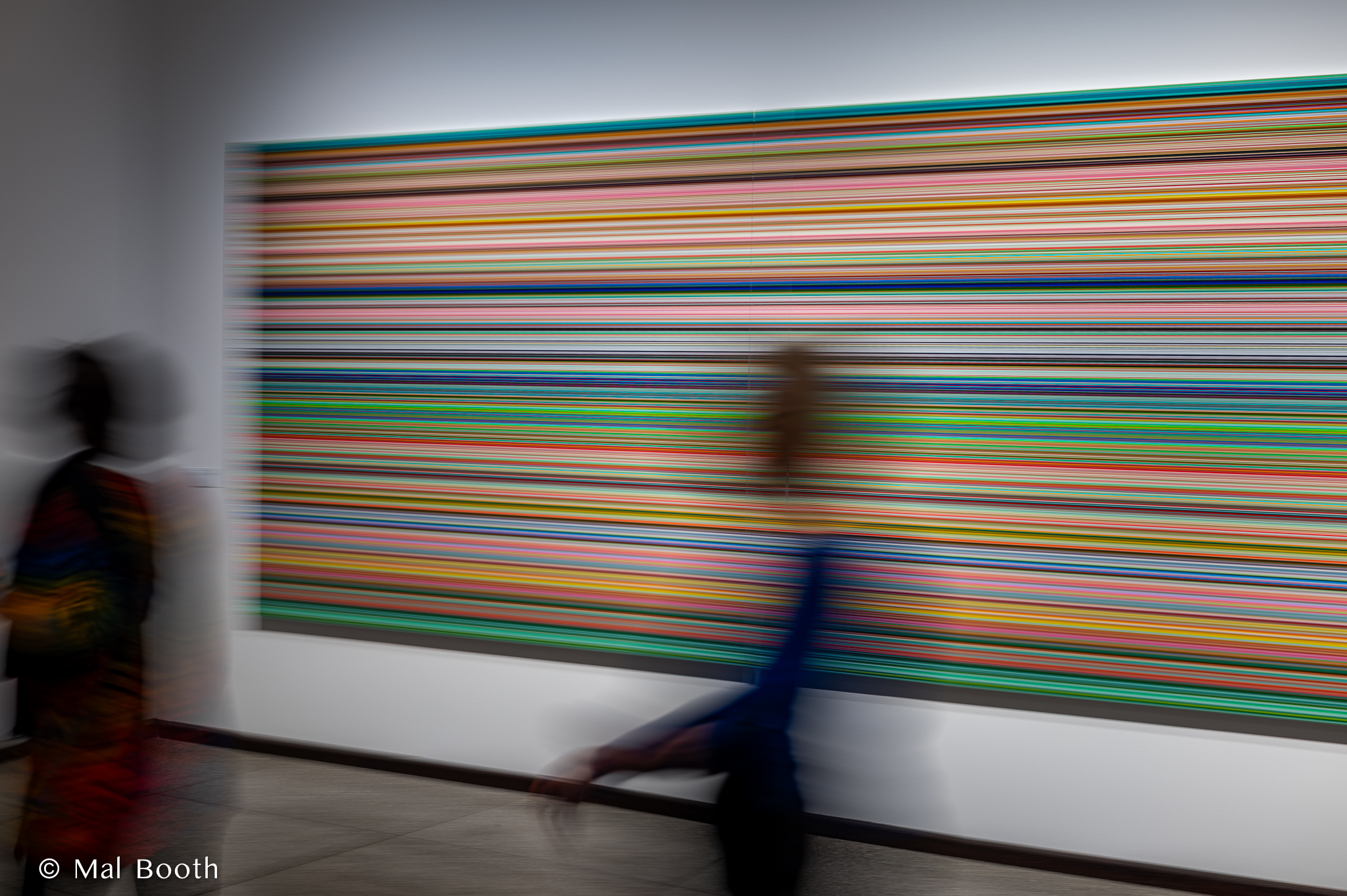
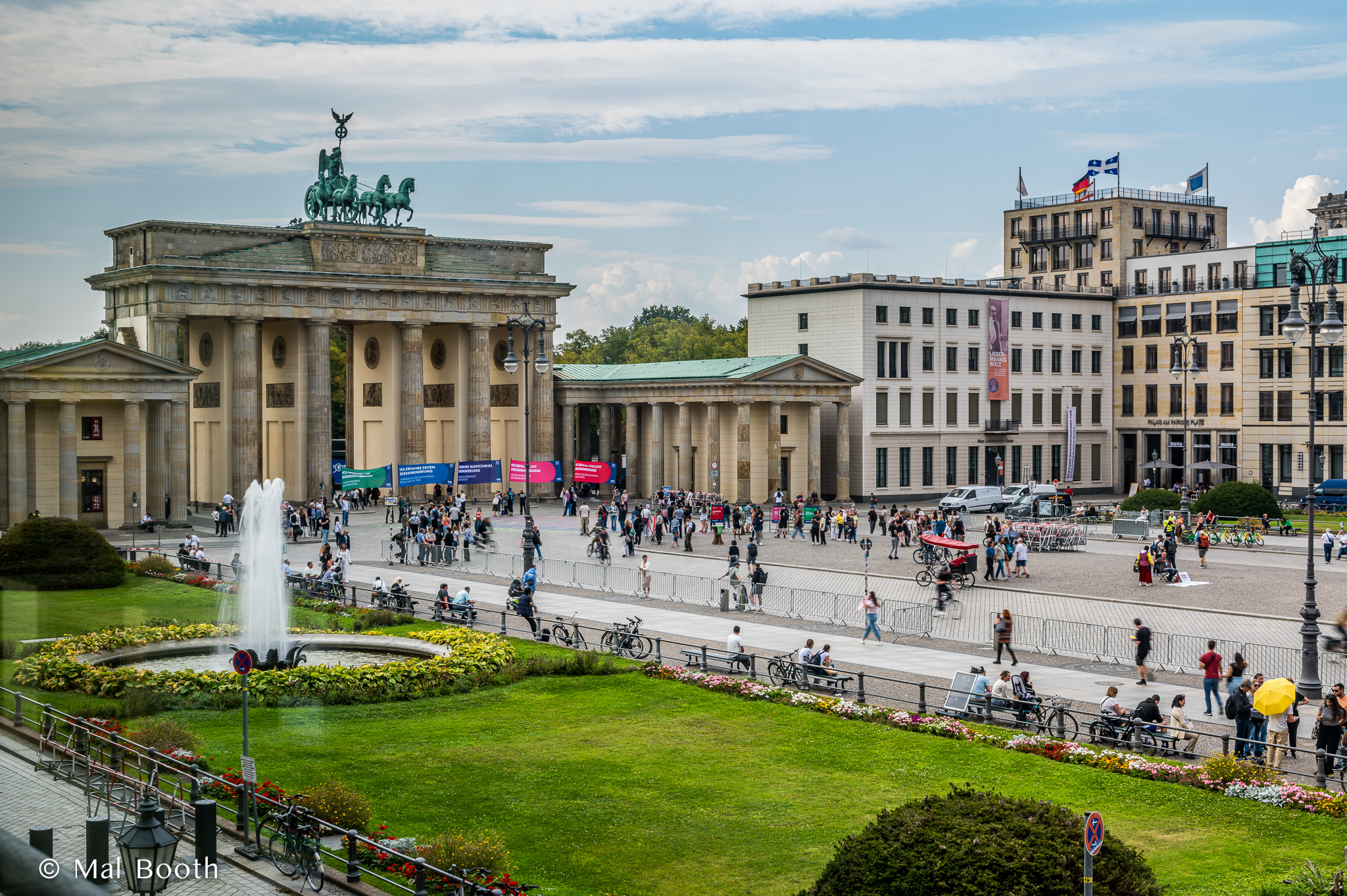
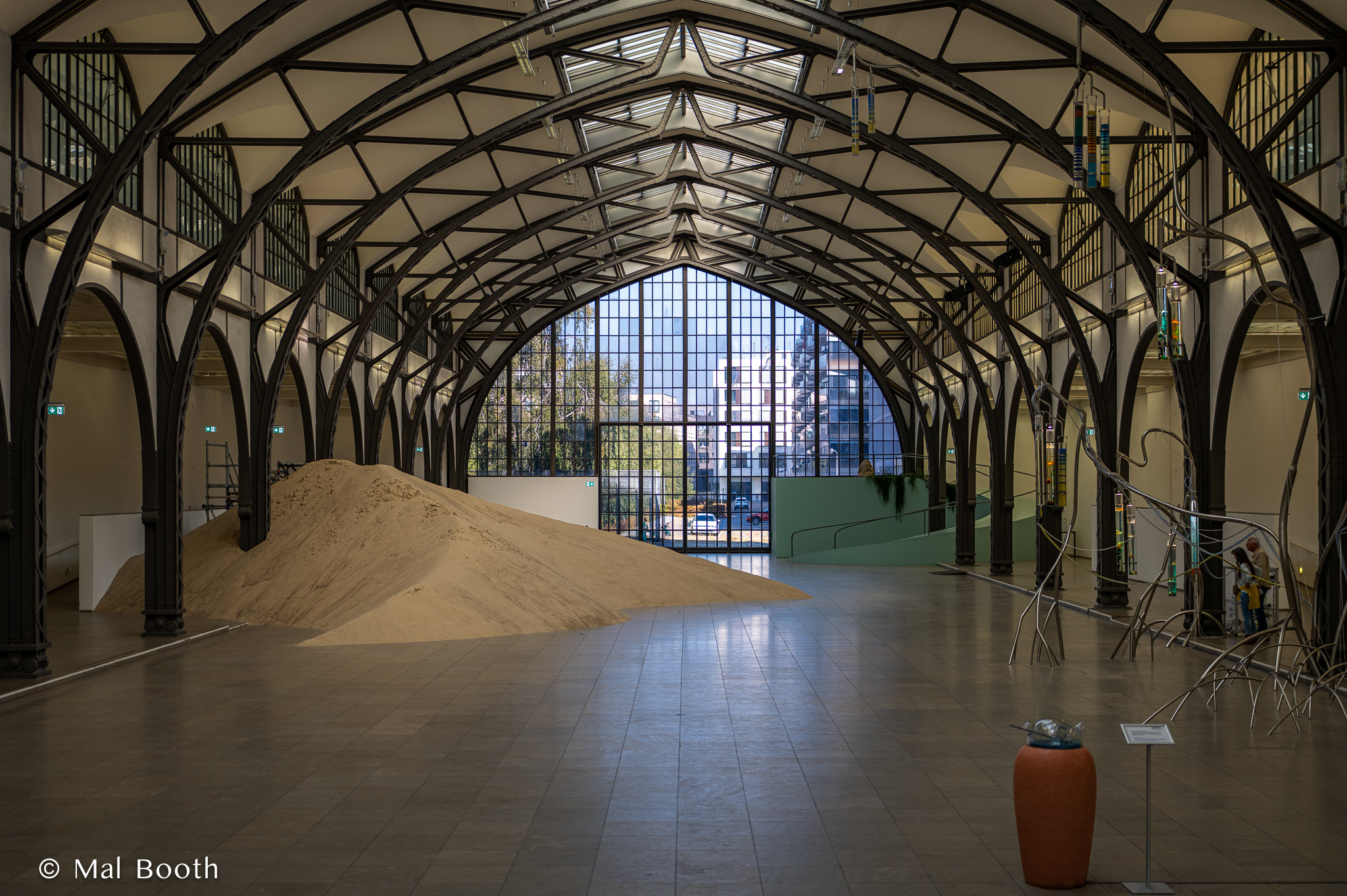


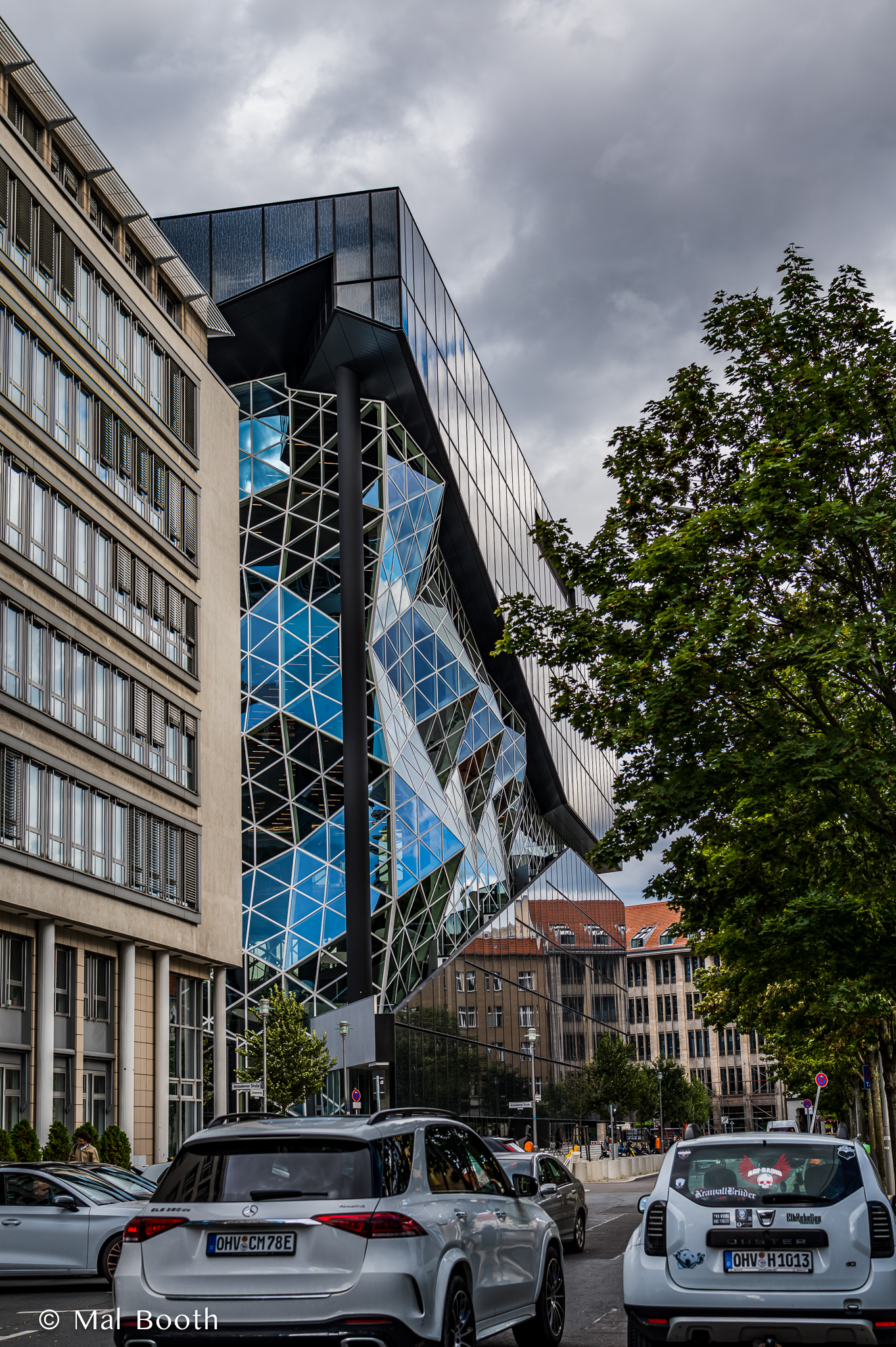


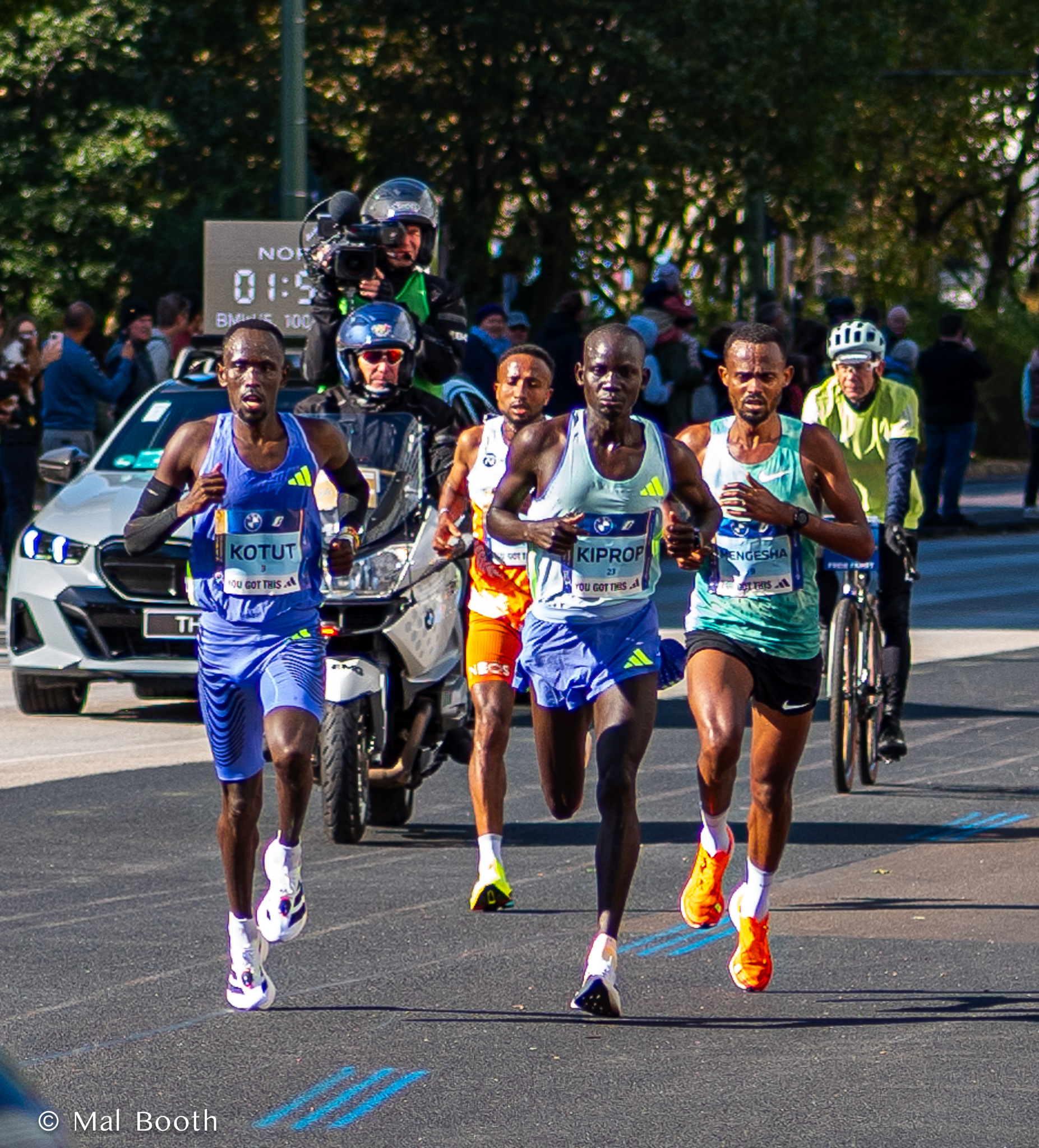


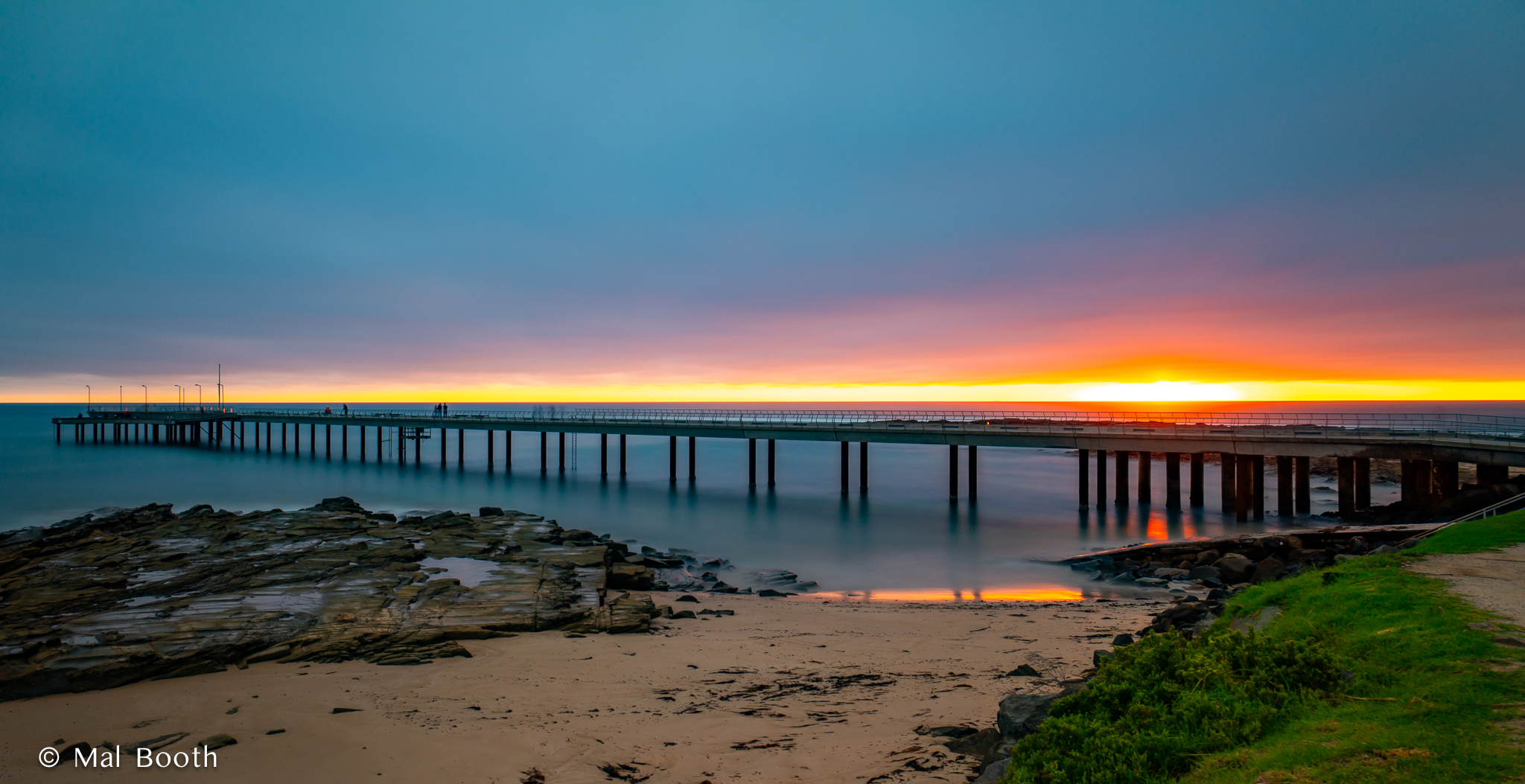


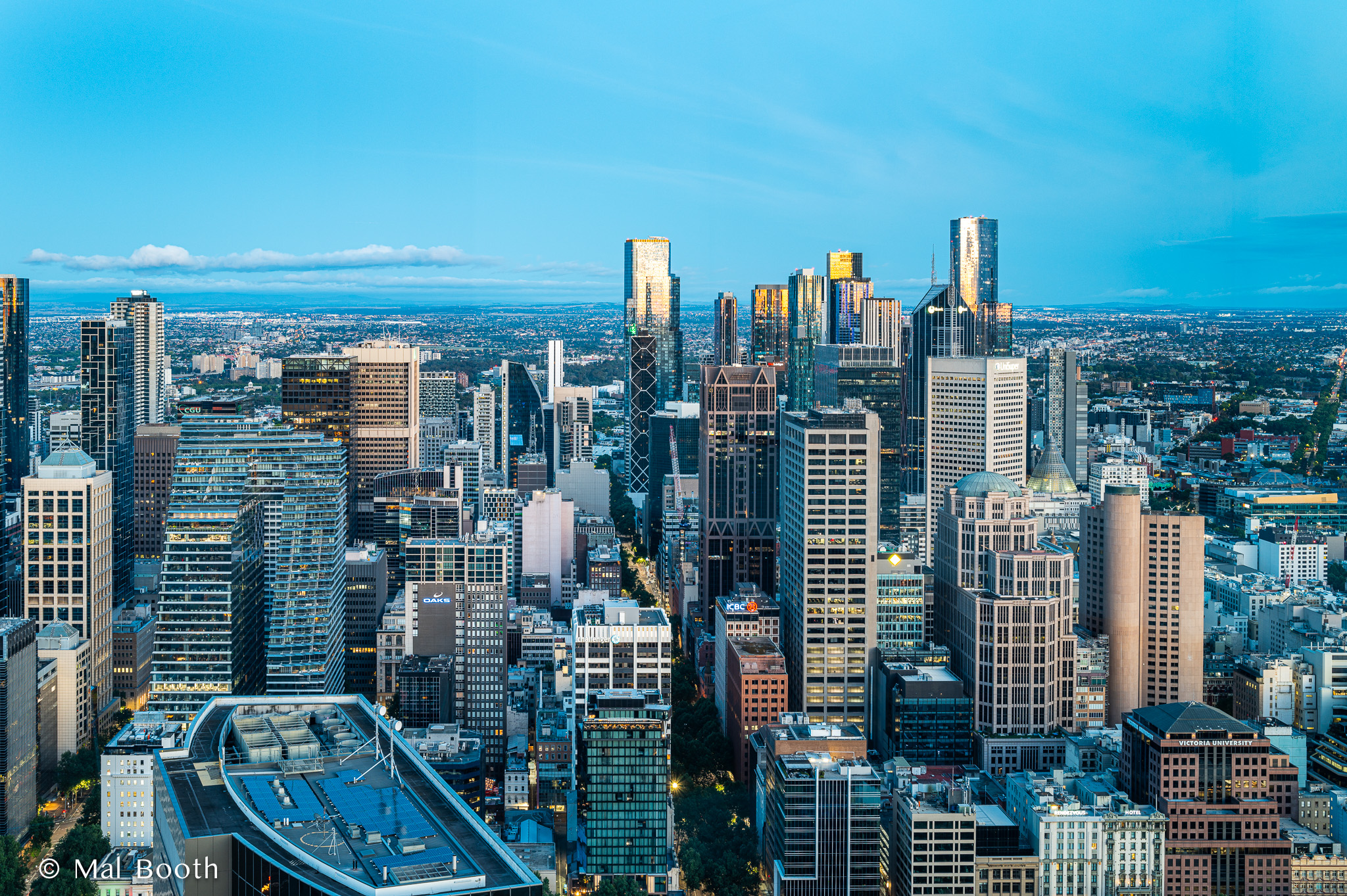


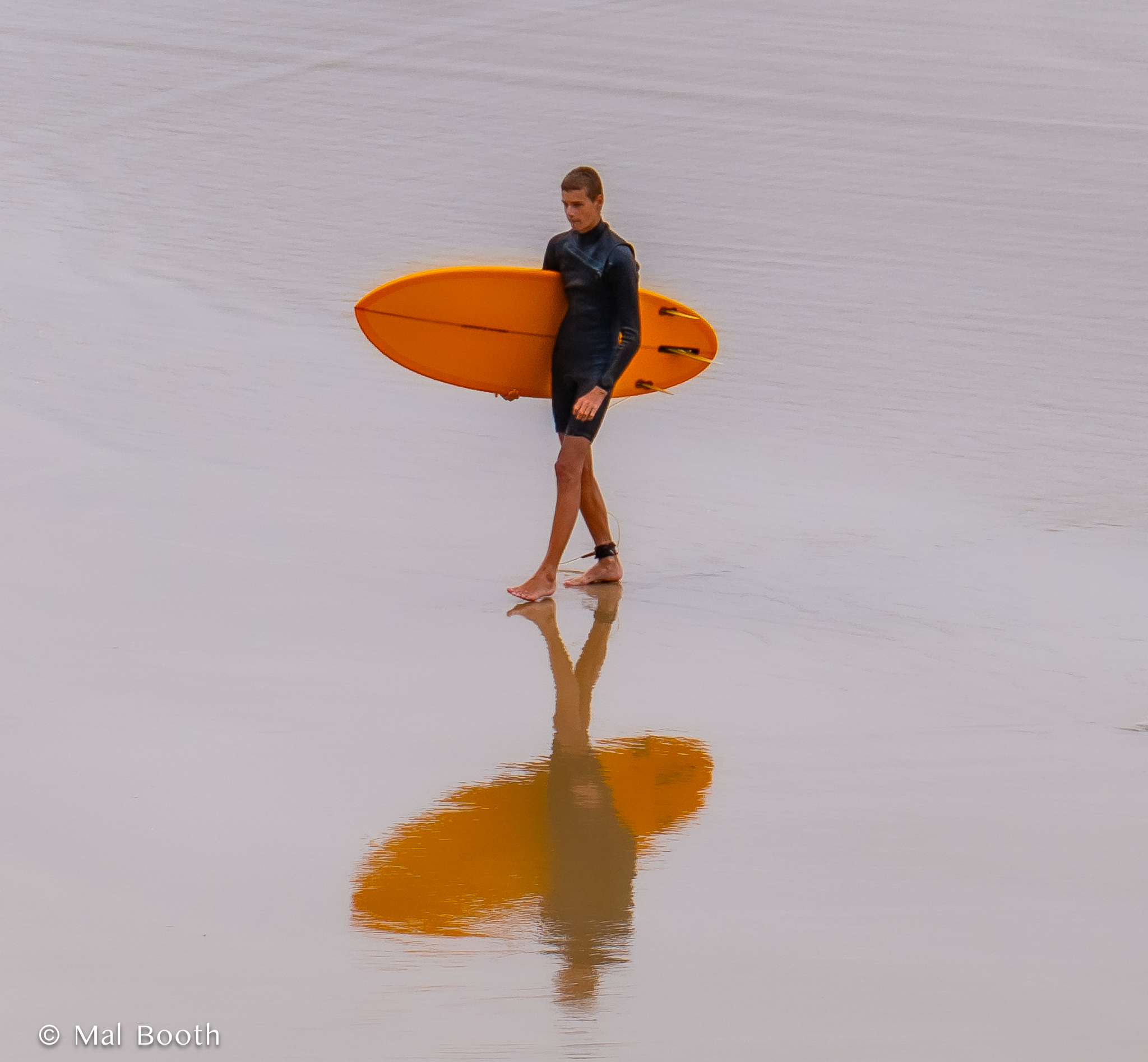


Images From a Week in Bangkok, 2024


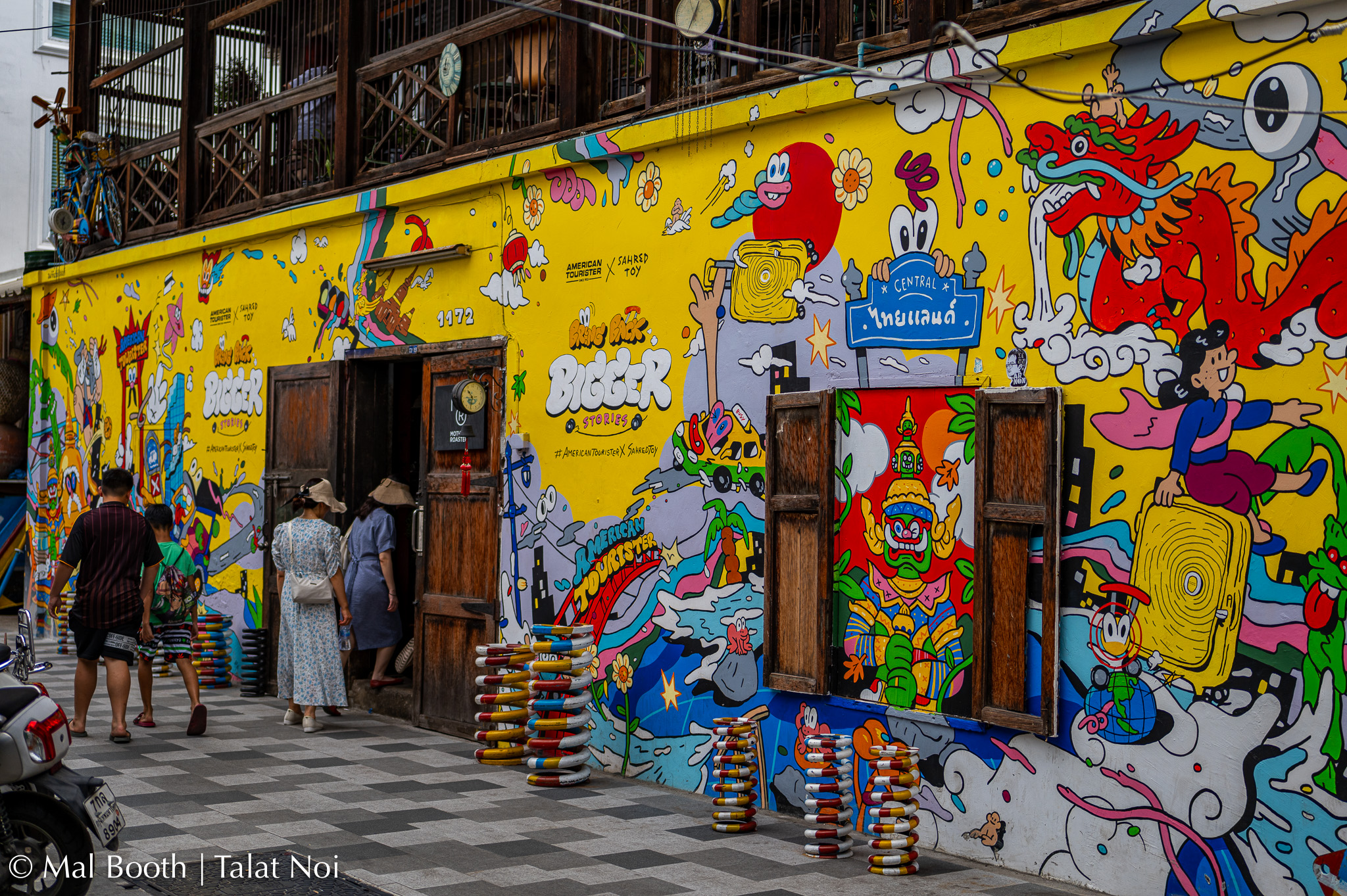
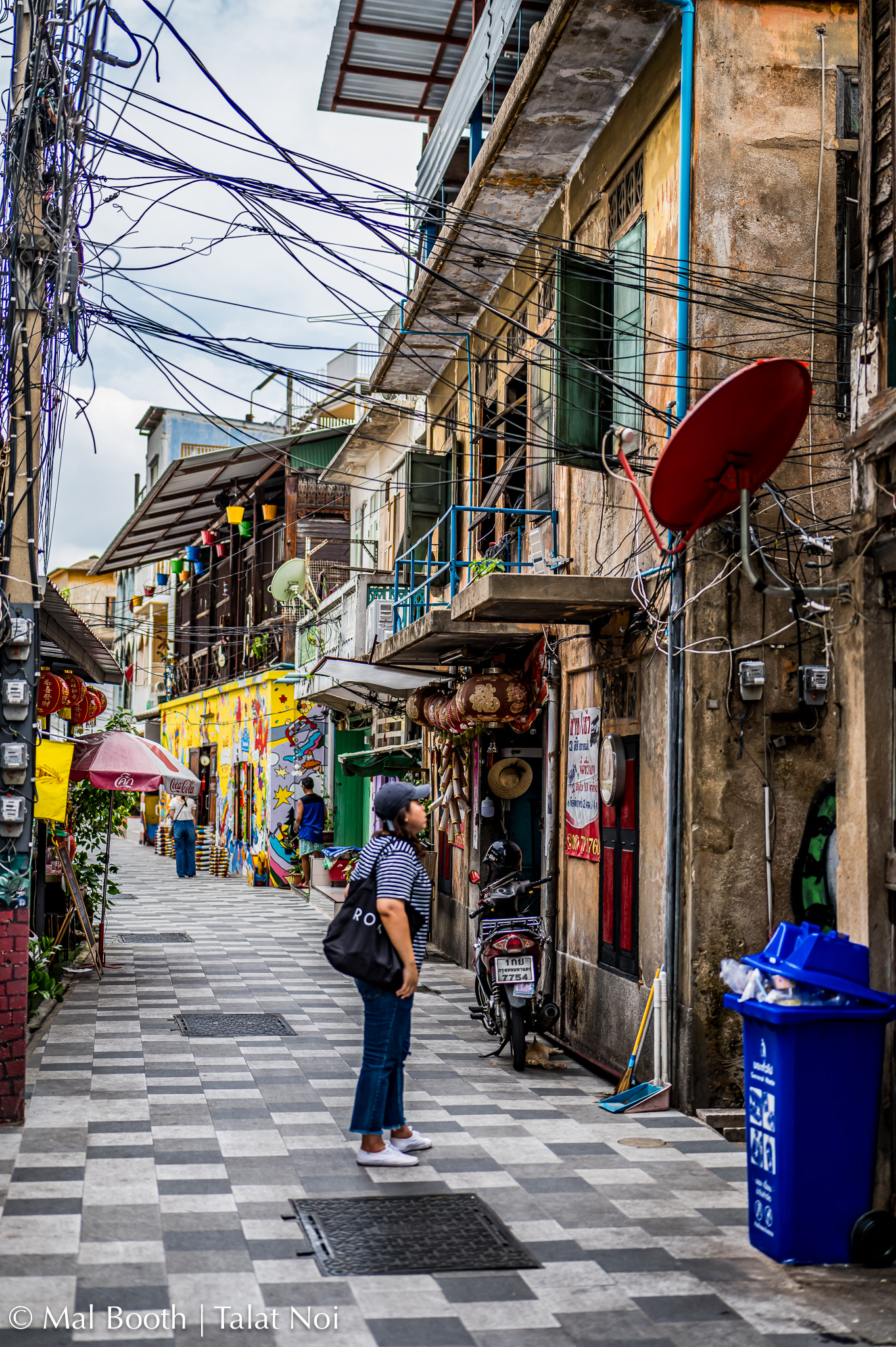


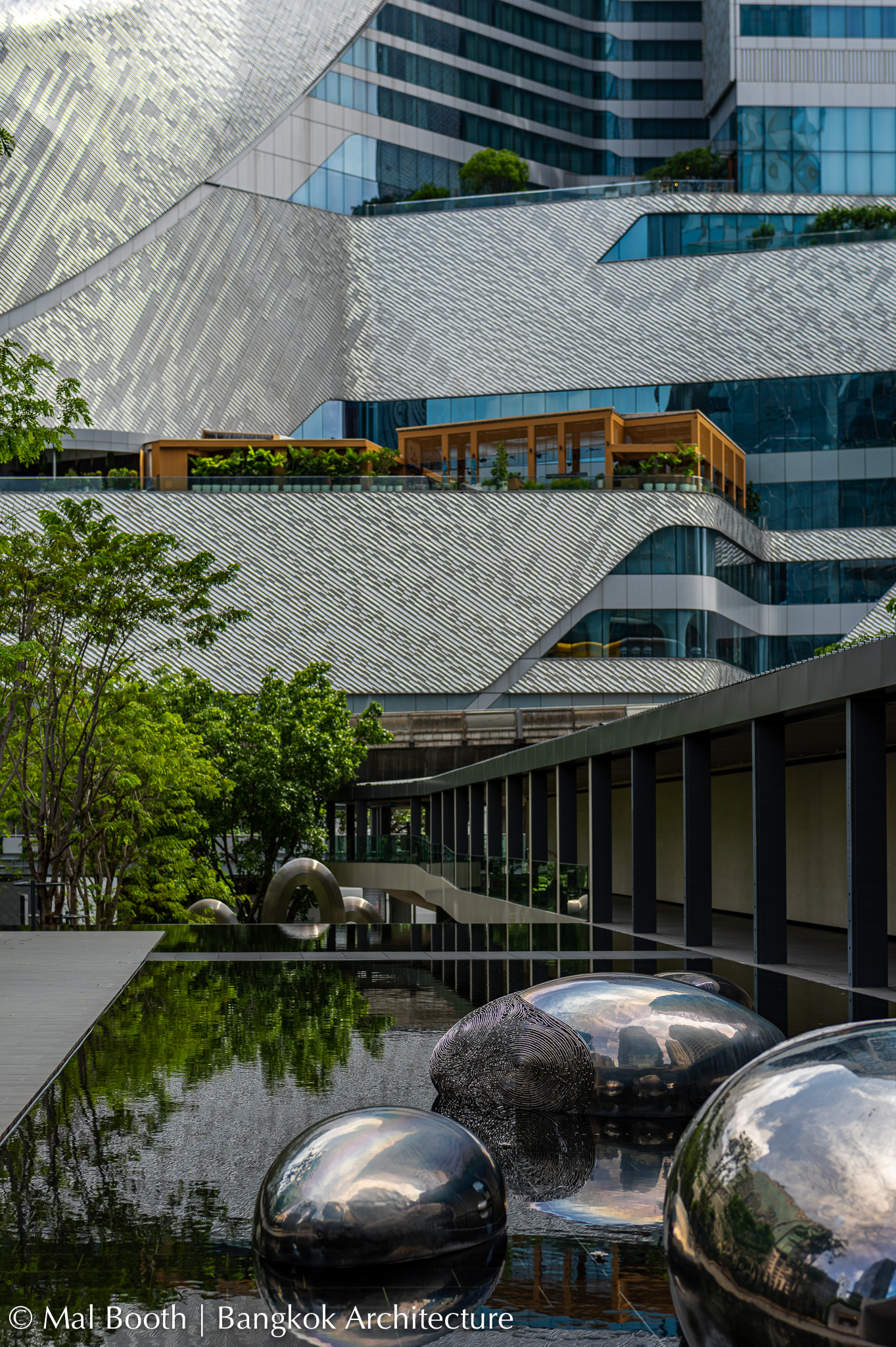


Not the Lonely Planet Guide to Tokyo …
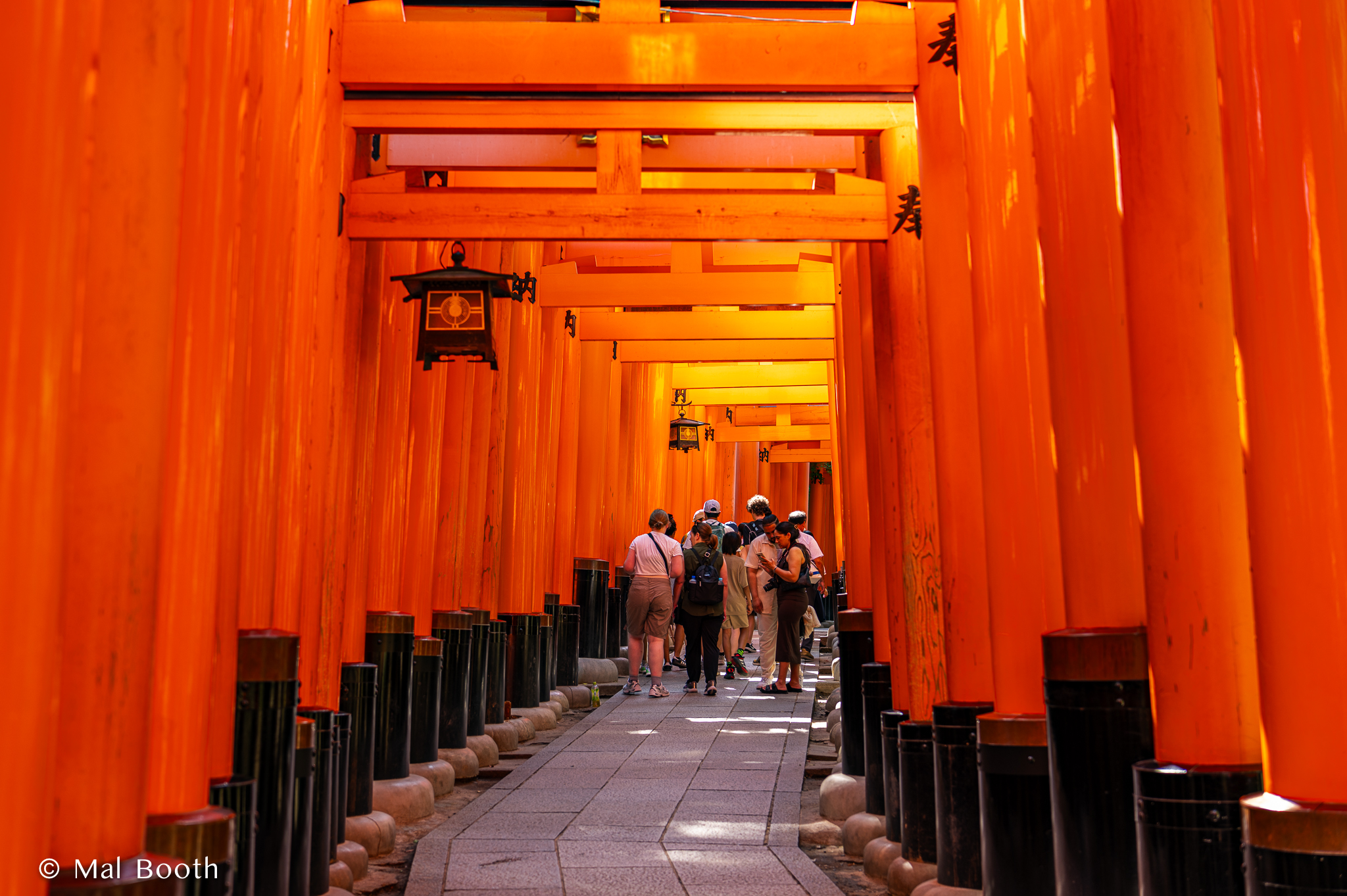
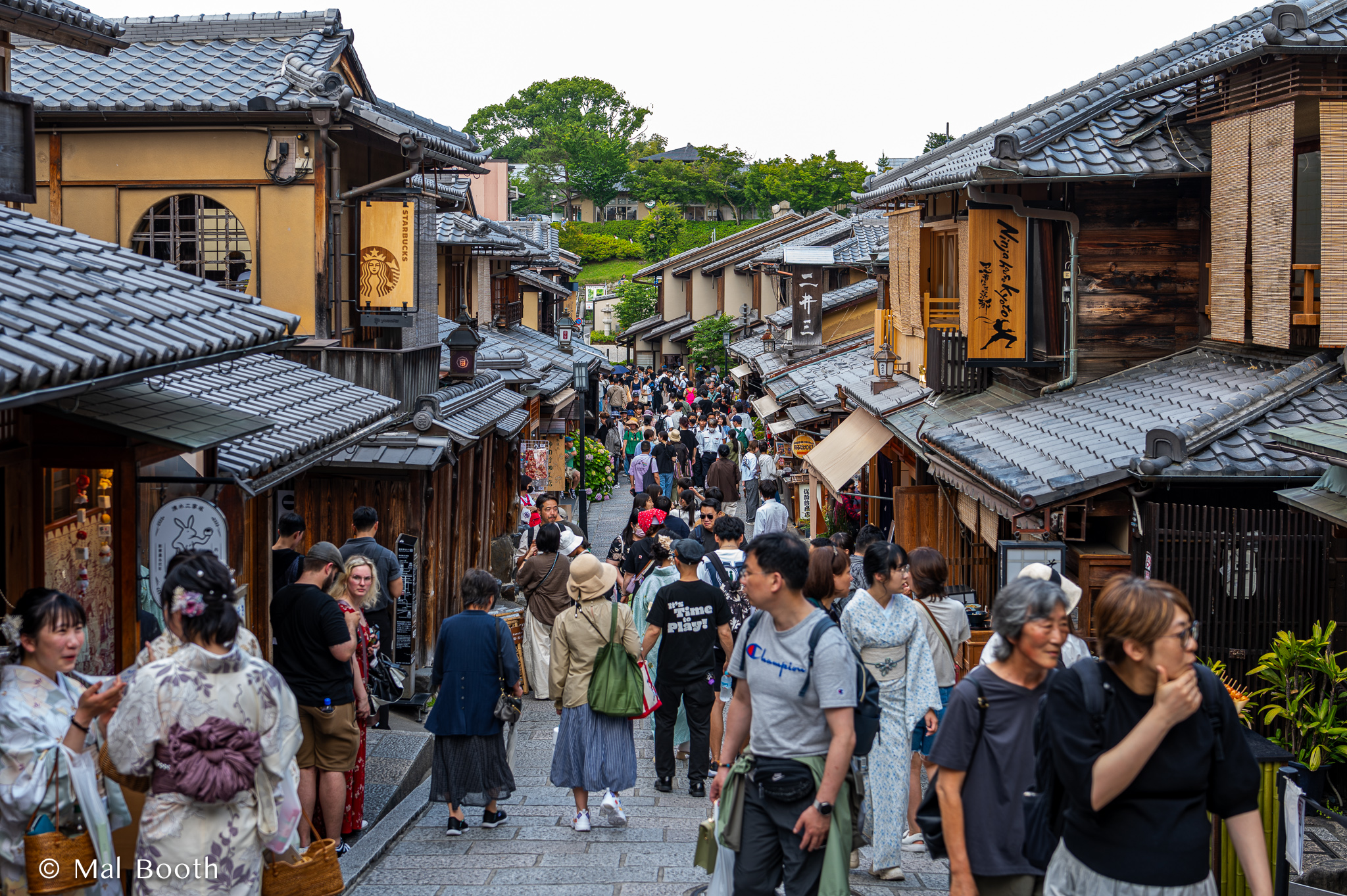
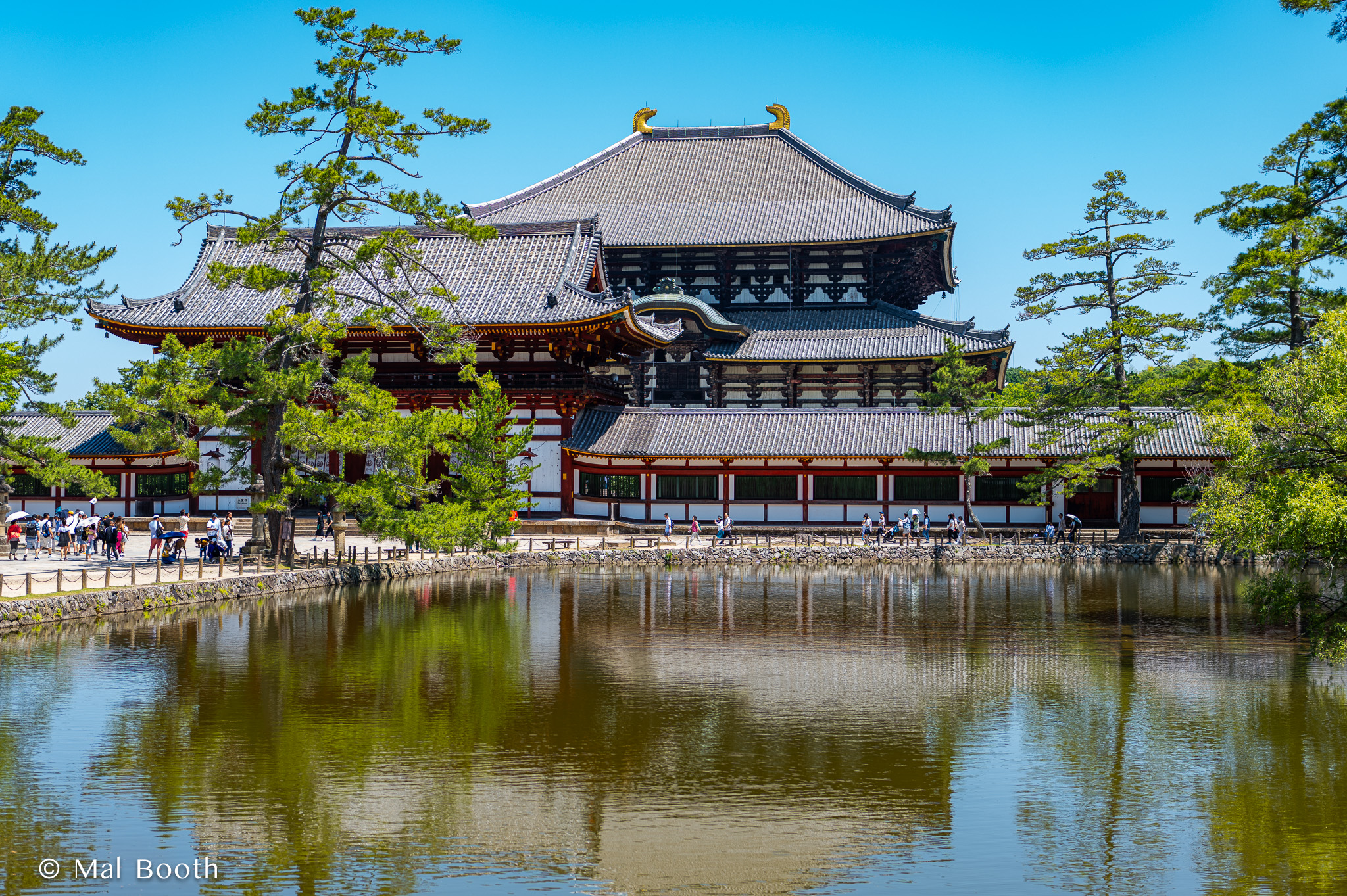
I’ve just returned from a couple of weeks in Japan in which I visited Tokyo, Kyoto and Nara. I had plenty of friends who gave me some advice and I bought the latest Lonely Planet guide book to read before departing. I was progressively uploading photos to Flickr during my visit and a couple of people asked me for any tips and recommendations that I had for those about to visit, so I started writing a few notes on things I had found important, fantastic to see/visit and useful for travellers not familiar with Japan.

Before you leave:
Get hold of a recent Lonely Planet or other guide book for Japan and read up on general advice for travellers and their recommendations for the cities or regions you will visit. I thought the latest edition was far too heavy to take with me so just took photos of the pages on the three cities I was visiting and uploaded them to the photos app on my laptop. That, or take some written notes with you.
Download the Google Maps app and learn how to use it “on the run” before you go. It is an absolute necessity. Using it with some bluetooth ear phones is probably wise so you don’t annoy others when you are being guided on a trip.
Download the Google Translate app and learn how to use that too. It is really useful in Japan as people want to help, but often don’t have enough English.
Download some e-sim apps and compare their coverage and data plans. I used FLEXIROAM and found their e-sim had good coverage in Tokyo, Kyoto and Nara. It was also incredibly cheap: about A$28 for 10GB of data over 30 days!
Start using WhatsApp as that will allow you to make phone calls with your e-sim plan and when on wifi, rather than paying for a more expensive (and in my experience less reliable) calls and data sim package.
Get a Revolut (Visa) card and use that for purchases in a foreign currency. It saves on transaction charges and you get the conversion rate on the day of your purchases. You just upload your own A$ to it from your savings and it operates everywhere as a debit card. You can also use it to withdraw some cash (yen) that you will need in some places (train stations, temples, shrines and other tourist attractions that only accept cash).
If you can afford it, line up a local guide for a day or half-day on your first full day as they will help to familiarise you with a few key attractions and the best ways to get around (principally the metro in Tokyo). I used a great one-on-one guide from https://www.toursbylocals.com who was a photographer and he was fantastic in both Tokyo and Kyoto. I noticed that quite a few are booked well in advance. For me these two days were well worth the money. You can search on the expertise of the guides and also on the tours they give.
Find yourself a small and light day-pack for your daily carry items (camera, sunscreen, passport, wallet, ear phones, phone, sun hat, mask, anti-bacterial wipes, etc.). This seems rather obvious, but I forgot to pack mine when travelling to Europe last year and had to buy one in Helsinki.
Get some comfortable sturdy walking shoes. In Japan I was using the metro (subway) and buses extensively and still walking up to 23k steps some days when walking around certain interesting districts, between temples in Kyoto and within parks. I recommend trail running shoes by Karhu (Ikoni Trail) and Salomon (Ultra Glide) because they are both comfortable and have very durable soles.
If you are flying into Tokyo, both airports (Haneda and Nareda) are a long way from the city centre and there are a few options to travel from them to your accomodation. Once you know where you are staying, search for the best option to get to/from the airport and note the closest metro station and the line it is on. Write it all down. A taxi or Uber-taxi will cost upwards of $70. Using the metro or monorail may involve a change of trains, or as I did you may find you are on the right line, but it is a limited express train that does not stop at your closest station (oops!). Be prepared in advance as you may well be tired after a long flight. The staff at the airport train station are very helpful.
When you are there:
Yen coins and notes are really handy, especially for a quick train ticket and at some venues. A little coin purse is handy so they do not spill everywhere.
In Tokyo when using the metro for a whole day the (JR) Value Pass will usually be best and cheapest option, but make sure you collect it when passing through the ticket gates (a one-way ticket is swallowed by the gate). Some private lines are not covered by the metro, so be aware you may need another ticket or pass with broader coverage. If you plan your trip using Google Maps, it will give you a reliable indication of the one-way fare, so get used to looking for it before you depart.
On the metro trains there is a really useful screen above the doors on the inside of the train that updates your progress, hopefully towards and not away from your destination. It flashes in both Japanese and English and stations are also numbered. On some screens it gives you a very accurate indication of the time remaining to get there.
The metro subways are great, but make sure you note the recommended exit and then look for it when you get out at your destination.
If you get off the train and your ticket will not work or you realise that you made a mistake with your fare, look for a “Fare Adjustment Machine” that will usually be either side of the exit gates. You just put your ticket in and it tells you how much more you need to pay. Easy as pie.
Be prepared for crowds or plan to avoid them if possible. I think Tokyo has more than 30 million people in an area smaller than Sydney or Melbourne. It is, however, really efficient at moving them all around. Just remember you’re not the only person on the planet and you’ll be OK. Eventually you’ll find a seat on your train or get to the front of the line.
Convenience stores, drug stores and grocery stores are all over the place. Just search for them. I found 7-11 a better option than Family Mart in convenience stores. You can also easily search for decent cafes and bakeries. Eating options are literally everywhere and at all levels of cost. I didn’t have any bad experiences and a couple of times I had no idea what I was eating.
Uber-taxis are a good option at the end of a long day or when you are tired. Booking it on Uber means you don’t need to hail a taxi and then stuff around with payment transactions at the end of the trip.
Museums are mostly all closed on Mondays, so plan on doing something else, e.g. (gardens and parks, shopping, temples and shrines).
If you plan on shopping or you are one of those people who simply cannot resist a surprise purchase should the opportunity arise, keep your passport with you. (I didn’t as I was scared of losing it!) Some Tokyo stores actually deduct the tax on a machine in their store if you have your passport or even a photo of the main page. I think that can save you around 10% on big purchases.
Some recommendations for things to see and do in Tokyo:
The Tokyo Photographic Art Museum is brilliant and puts on really stimulating and very well curated exhibitions. I saw three there on my visit. It was well worth it and one of the highlights of my whole trip.

The National Museum of Modern Art (MOMAT) has a great permanent collection and usually a wonderful exhibition. I enjoyed a great lunch there in its restaurant. It is very close to both the Imperial Palace and its grounds and famous bridges and the Science Museum (if that is of interest). From there you could easily wander back towards Maranouchi Square and the main Tokyo Station.
Depending on where you are staying it could be worth finding the historic Nihombashi Bridge and then having lunch or getting some food from the nearby Nihombashi Mitsukoshi Main department store.
The Museum of Western Art in Ueno Park has a great permanent collection and I saw a fabulous illuminated manuscript exhibition there too. Nearby you’ll also find the Tokyo Metropolitan Art Museum, the Tokyo National Museum, the National Museum of Nature and Science and the Ueno Royal Museum.
Take a long stroll through Ginza and stop by: Ginza SIX (fabulous shopping mall with boutiques and stores for all and a great rooftop garden): the multi-floor Itoya stationery store; the huge Muji flagship store; and department stores like Mitsukoshi.

Kakimori stationery store in Taito City (perhaps on your way to or from Senso-ji?) that makes its own ink, pens, nibs and provides specialist papers and you can even design your own notebook.
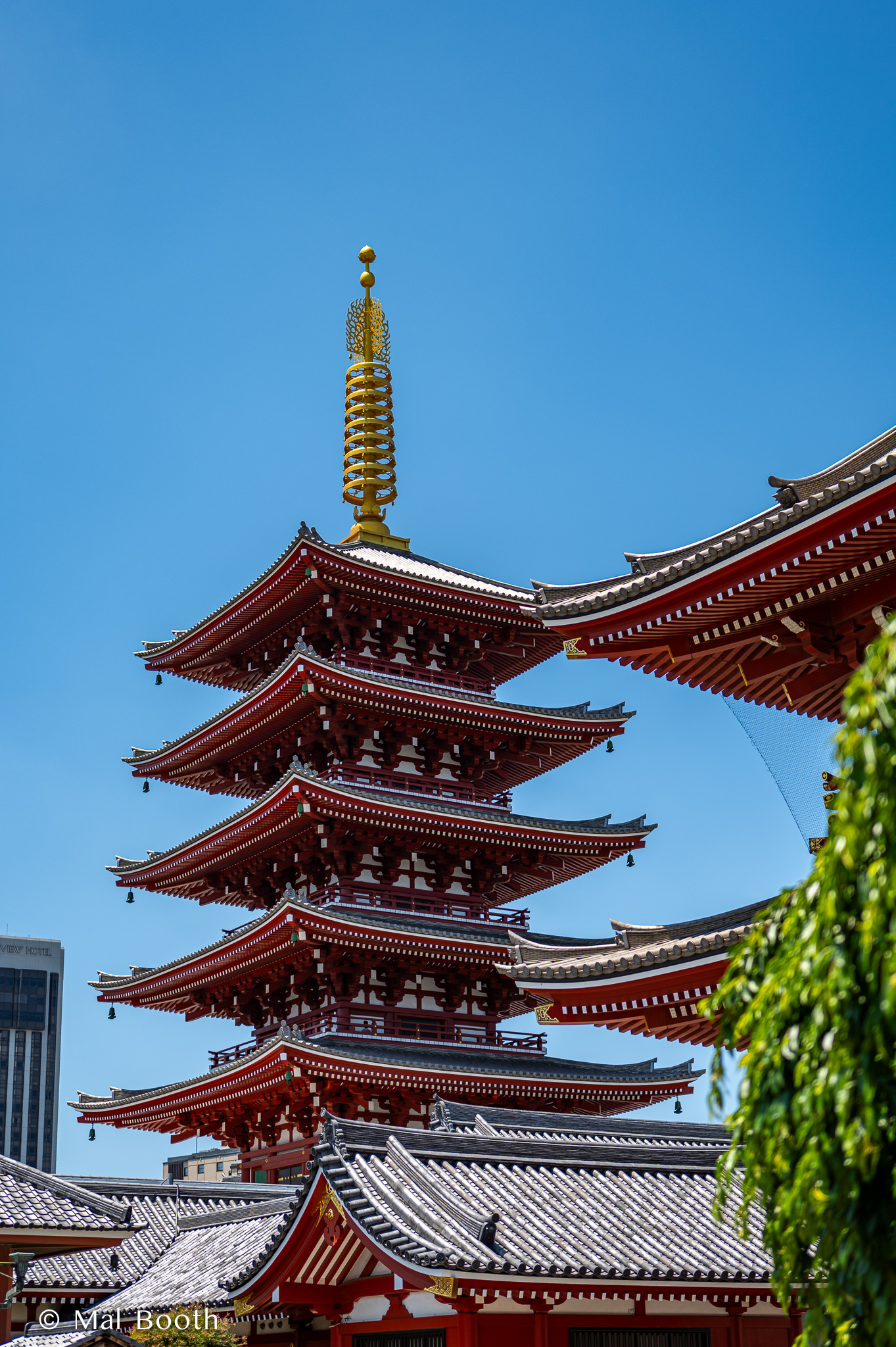
Walk up the busy Nakamise-dori Street to the Senso-ji Shrine & Pagoda and surrounds.
A quick visit to the Tsukiji Hongwan-ji Temple, then walk on to the Tsukiji Outer fish markets and on to the beautiful Hamarikyu Gardens.
Walk the Omotesando Hills shopping strip and walk to and around the Meiji Jingu Shrine park. This could be combined with a visit to the Nezu Museum if you start at the Shrine. The Shibuya Scramble Crossing is not that far away and should not be missed – either afternoon or early evening.
I visited the National Art Centre Tokyo in Roppongi and while the building itself is interesting, I did not enjoy the art exhibitions at all.

The Tokyo Metropolitan Government Building Observation Towers (south or north – free) offer outstanding and 360 degree views high over all of Tokyo and to Mount Fuji on a clear day. You can also wander by the very attractive Mode Gakuen Cocoon Tower (nearby) wander around Shinjuku itself.
Other options, depending on your tastes and what is on include the Sumida Hokusai Museum and the Museum of Contemporary Art, Tokyo, but I ran out of time.
2023: My Year in Images


















What is Inevitable about UTS Library (Pt 3 of 3)
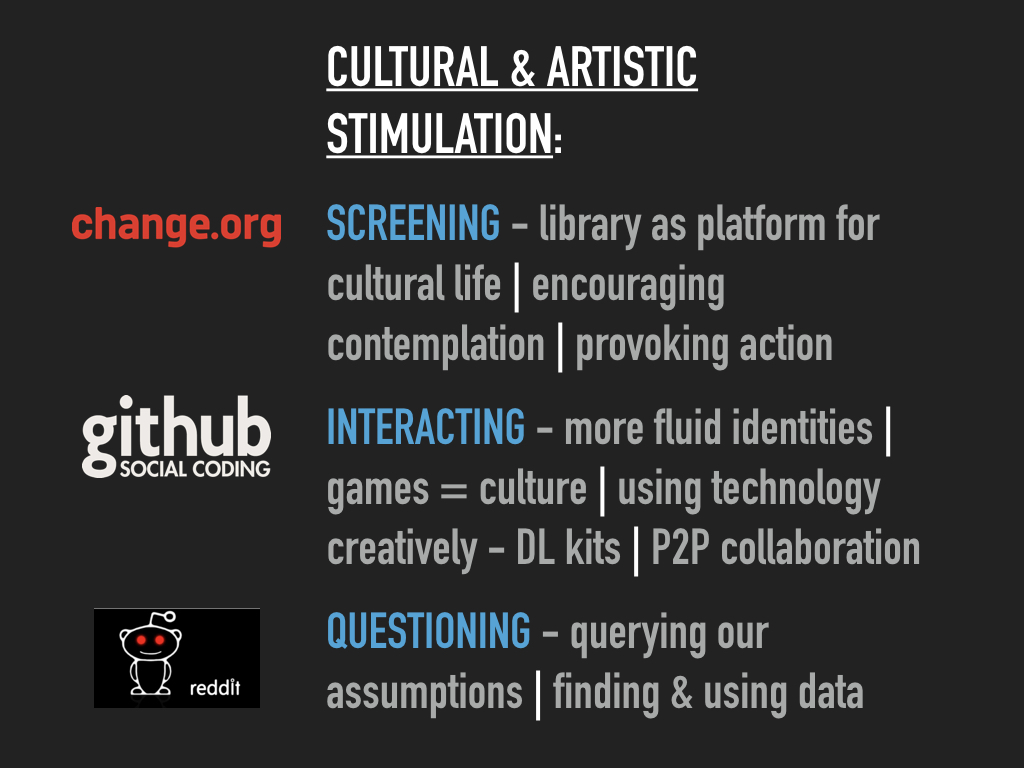
In The Inevitable, Kevin Kelly discusses every surface becoming a screen in the Screening chapter, but this technological force isn’t just about converting surfaces into screens. He also discusses the possibility for libraries to become platforms for cultural life within their communities and he writes of the importance of encouraging contemplation and how online activities can provoke action. I think we’ve done some of this with our Artist-in-Residence and Curations programs. They’ve both led to ongoing actions and we think they inspire contemplation and further thought with at least some of our users. These programs have certainly had Interactive elements, with the current Artist Timo Rissanen actually creating his work in the central library stairwell over several weeks. Our Artists have asked questions of us and what we do that we’d not have asked of ourselves. This has enabled some reflection on our part and led to improved services, including with our search and discovery platform and our way finding signage.

http://www.lib.uts.edu.au/about-us/artist-residence-program/shelf-life-exhibition
At UTS Library the influence of Chris Gaul (our first Artist) cannot be overstated. He has had a significant impact on how we view our collections and this has led to ongoing improvements to discovery as well as search interfaces. His pioneering Spectogram has been recognised and reflected upon by several of our subsequent artists. He played a significant part in establishing a design-led visual identity for UTS Library.
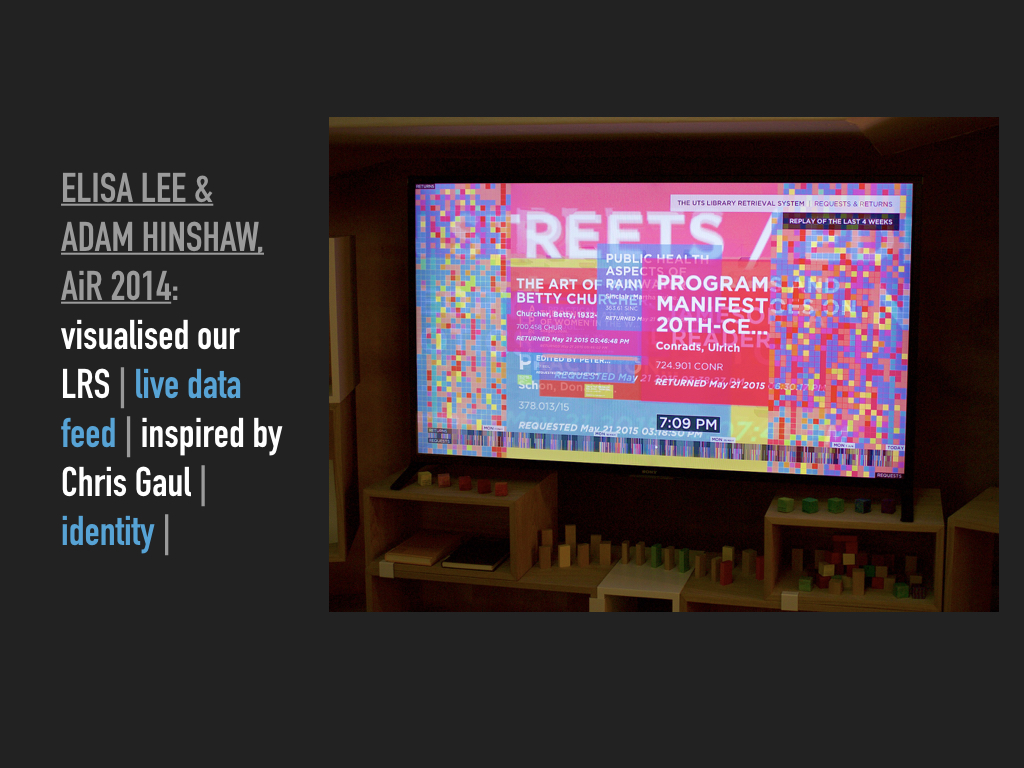
Elisa Lee and Adam Hinshaw were asked to artistically interpret the use of our new Library Retrieval System in 2014. This ambitious project resulted in a truly amazing live data visualisation of the requests and returns to this huge robotically served underground storage system. Their work was inspirational and playful. It also added an important dimension to our identity as experts in data at a time when UTS was focussing itself on the importance of data and data analysis.
http://cargocollective.com/thebookis
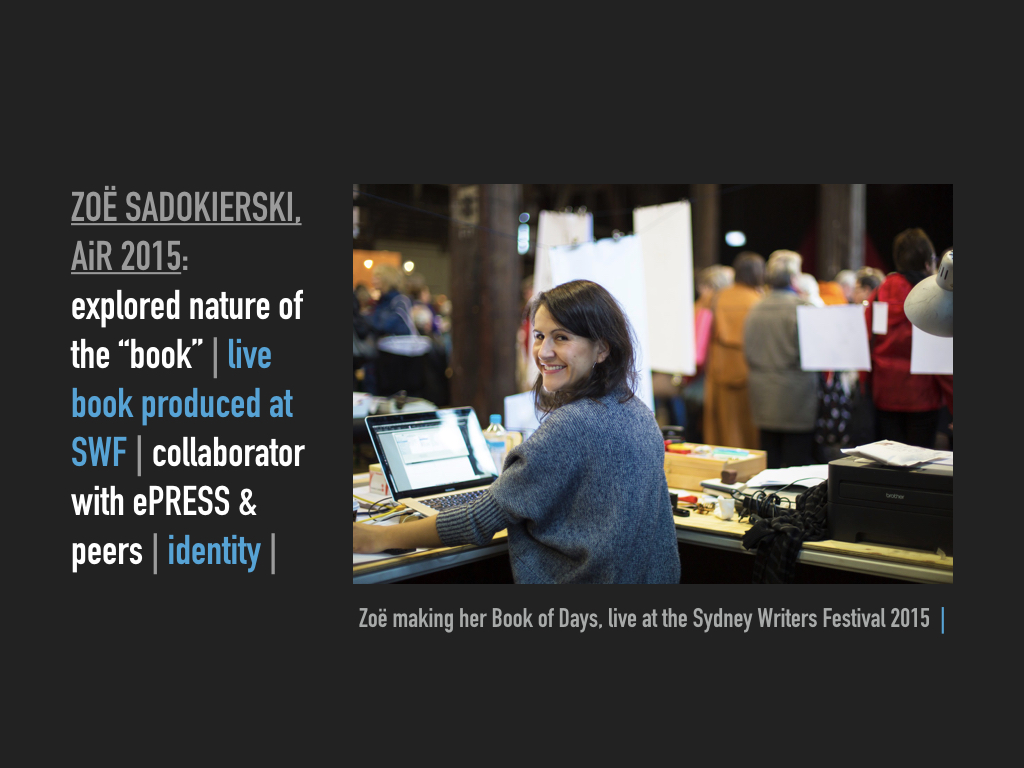
Zoë Sadokierski followed Elisa and Adam in 2015. She has been a long time collaborator with the Library through her design work on various experimental formats for ePRESS, in her artistic installations within the Library and by sharing her research on the intersection of print and screen technology (as opposed to the myth that circulates about these two being competitors). Her Residency explored the very nature of the book through research and by producing artist’s books. She also conducted a very interactive and collaborative production of a book live at the 2015 Sydney Writer’s Festival. Like previous artists her work has had a very significant impact on our visual and physical identity as a library.

Starting in late 2016, we added digital literacy kits to our collection. Including low cost technology like Sphero, Makey-Makey and basic VR, these kits have been incorporated into both our own staff development and our educational programs for academics and students. They represent a playful way to introduce technology literacies, expanding on our traditional role in developing information literacy skills.

What is Inevitable about UTS Library (Pt 2 of 3)

Open Access is something we strongly believe in at UTS Library. We have taken action in many dimensions: to improve our institutional repository; as an advocate for OA at UTS (& the sponsor of our institution’s OA policy); through our active OA publishing arm – UTS ePRESS; by participating in various OA related events and initiatives; and though our advice and assistance on all things OA to students, researchers and academics at UTS. UTS ePRESS has experimented with new forms of scholarly publishing that harness the potential of the web and digital communications and therefore question the very nature of traditional publishing. We’ve encouraged and modelled more open licensing to permit reuse and we continue to support the early days of the OA movement. Some examples of all of this are found in the following images.
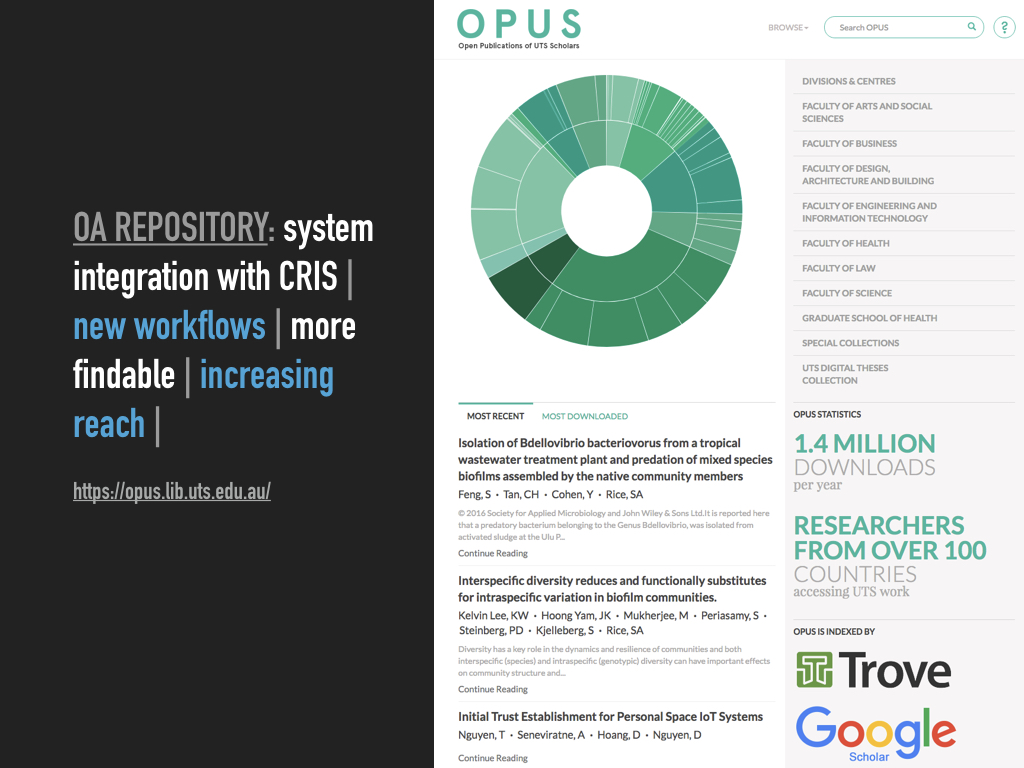
Our institutional repository was substantially remodelled and fully integrated with the University’s research management system recently. We established new workflows to decrease or eliminate manual processes and the ingest outputs, made UTS research outputs far easier to find on the open web and have substantially increased our reach accordingly.
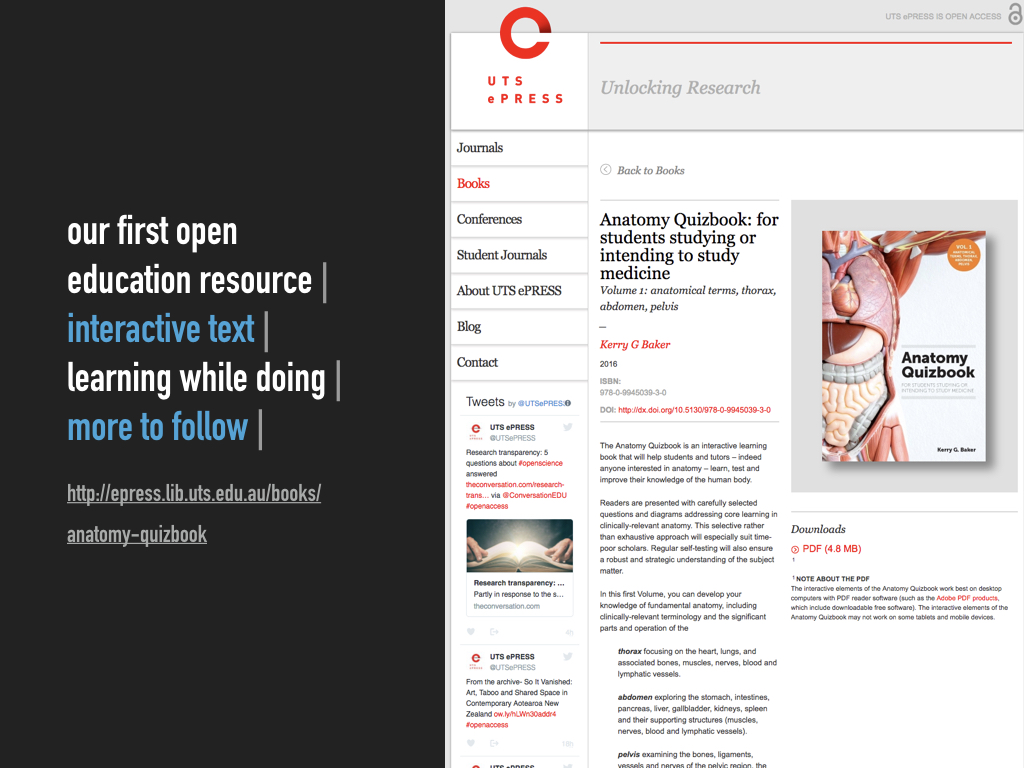
http://epress.lib.uts.edu.au/books/anatomy-quizbook
The Anatomy Quizbook was our first OER. This was also our first experiment with interactive text and importantly we were learning while making this happen. We have more OERs planned and will build on this initial adventure.
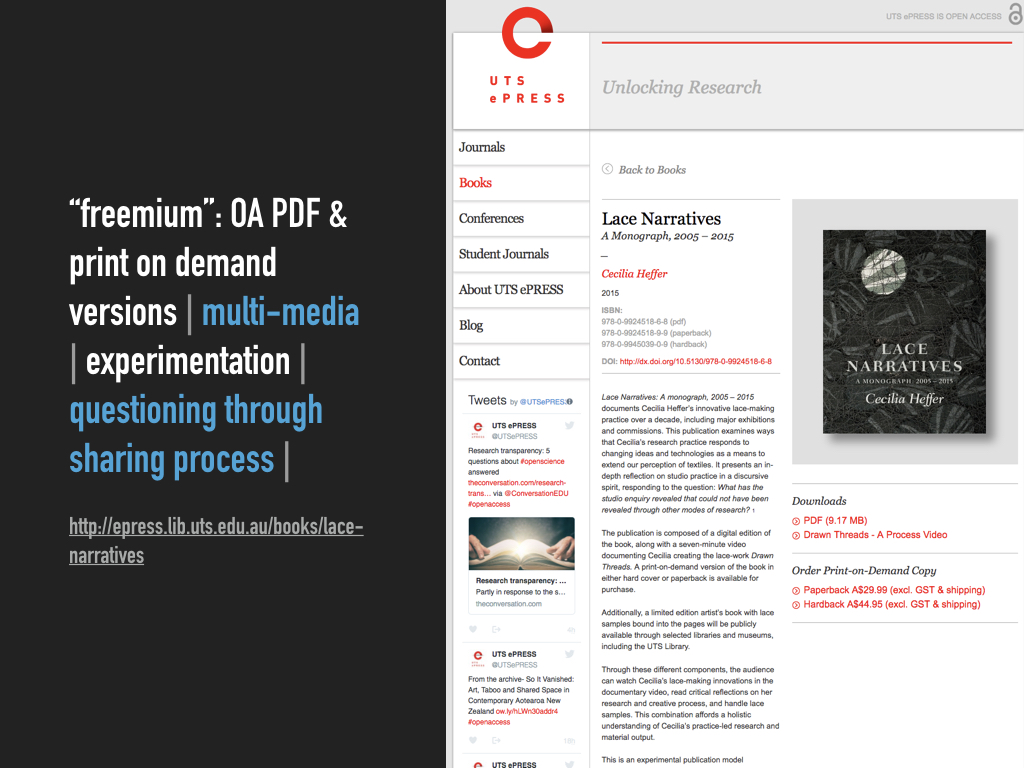
http://epress.lib.uts.edu.au/books/lace-narratives
Lace Narratives was an ambitious and complex publication: it incorporated multi-media and was a major experiment in offering several different formats for a creative and scholarly work. An artistic process was openly shared through this publication and in a very limited edition high-quality hard cover version we were able to offer fabric swatches of the author’s textile art. This was one of our first experiments with different business models and distribution methods.
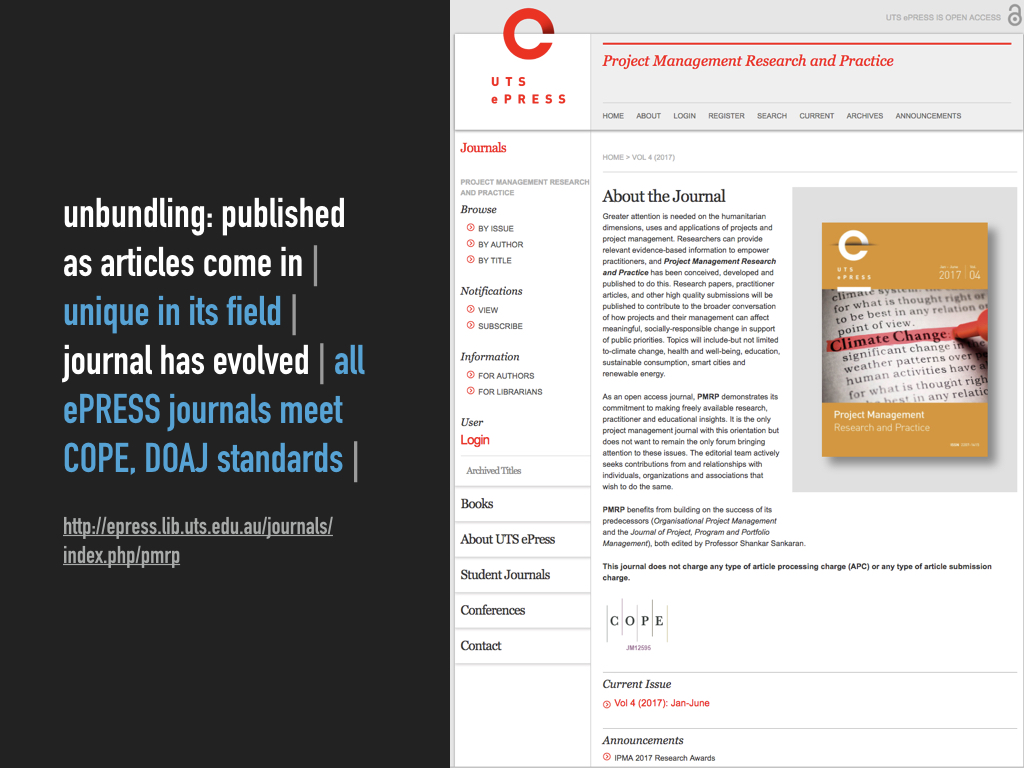
http://epress.lib.uts.edu.au/journals/index.php/pmrp
Project Management Research and Practice is a journal that is both unique in its field and which has evolved over time. The editorial board believes in OA research output and like our other journals have now achieved rigorous COPE and DOAJ standards. Their latest innovation is to publish as articles are submitted and reviewed. This “unbundling” of publishing containers reduces delays in research articles getting published and is much like the unbundling of albums on iTunes or the streaming of movies and series on demand like Netflix.

https://www.lib.uts.edu.au/open-access/learn
Our OA advocacy continues as suggested in the image above. We help others to understand OA, collaborate across boarders with like-minded people and organisations, and we raise awareness of the benefits and processes surrounding the OA movement.
End of Part 2. And Part 3 is right here. Don’t stop now.
What is Inevitable about UTS Library (Pt 1 of 3)
This is the guts of a presentation I gave at EduTECHAU on 9 June 2017. It’ll be a bunch of images, text to explain those images and a few links.
Thanks to my colleague Dr Belinda Tiffen for her assistance with this presentation: she is much smarter than me.

Last year I read Kevin Kelly’s book The Inevitable and I was struck by the way he described the 12 technological forces that he thinks will shape our future. The forces are named in the image above, but they’re not all that easy to understand. I’ve thought more about them and believe that at UTS Library we are actually making progress in all these areas, not always exactly as he describes, so I’ll outline what some of our initiatives are in the following images and text. For the sake of brevity, the only force I won’t be illustrating is Tracking, but rest assured that we are already doing some of that too and in fact you can see it in some of the examples I am using.
I am concentrating on three major areas: discovery and search; open access; and cultural and artistic stimulation.
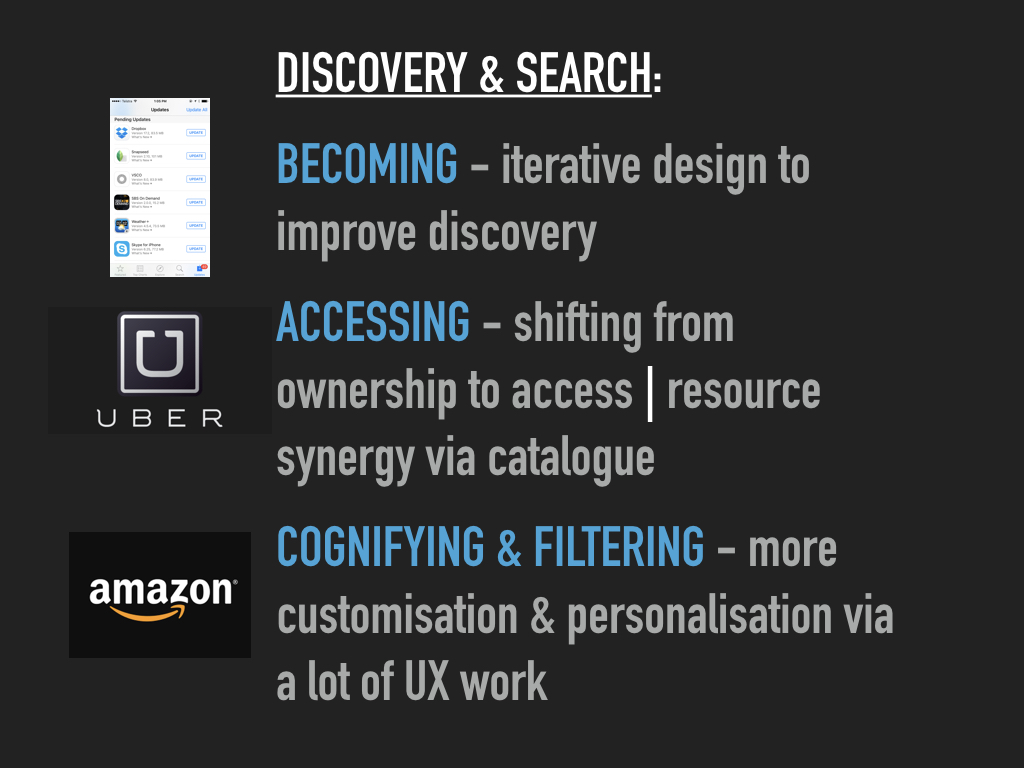
For Discovery & Search I see our efforts are consistent with the four forces and examples illustrated above: Becoming; Accessing; Cognifying; and Filtering. We are in the process of completely redesigning our discovery interface on the basis of some in-depth UX research that we conducted ourselves. We have long taken an iterative approach to website and digital services development, and our latest work builds on that. In our UX work we have recognised that there is a spectrum of user needs and behaviours from search to discovery, so we are adding new features to aid and enhance discovery, but they are designed in a way that will not distract or delay those searching for known items and wanting to get out of there fast. Our collection development has seen major improvements with regard to collaborative borrowing arrangements and these options needed to be carefully included and distinguished in the search/discovery catalogue in order to increase the options available to our users, while not confusing them with respect to immediate availability. Finally as others like Amazon, Uber and Netflix have done we are introducing features that allow for a more personalised and tailored search and discovery experience, should the users opt in.

In response to our research insights and user feedback, the following slides outline the initial user interface concepts for UTS Library’s new search and discovery system. These solutions have been designed from the responses and feedback gathered from our previous wireframe prototypes.
The following design concepts will be developed into a working prototype where the new search engine can undergo further user testing in conjunction with the user interface.

Overall search page results in our catalogue. From left to right you see columns arranged to show search filter options; search results list and a new contextual discovery panel.
The addition of a contextual discovery side panel to provide the user with results that are personalized to the individual. This feature will assist the user in the discovery of information that the system believes will be helpful to them. Information will be displayed based on their search request and will provide related content matched to a logged in users profile.
Article results intergration: A common request amongst users of our current system is for the ability to combine Article results in a search with Books and Journals.
Using the default ‘All’ search, the new system will combine the top 3 Article results alongside Books and Journals.
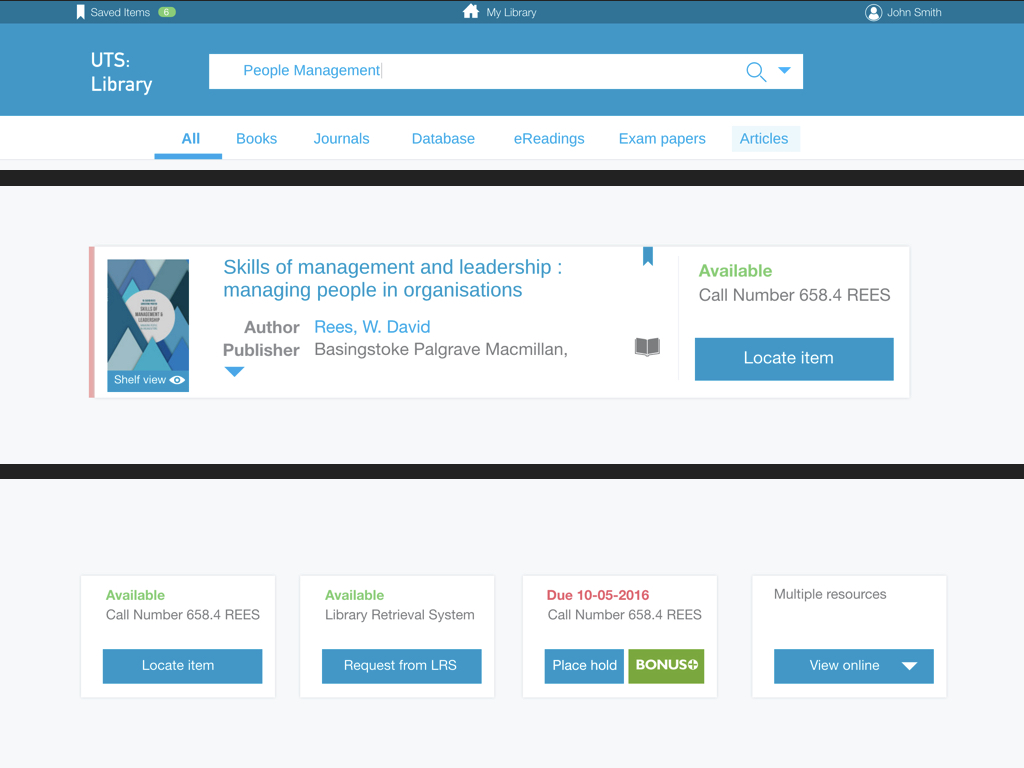
This slide shows a few new features related to the item display within search results:
- Ribbon colour display: (LHS of record) Integrating the colour ribbon into the catalogue items establishes the direct link between the two. For users, this creates a better understanding of the search functionality the ribbon has. It also more directly displays the relationship between the search results and the items physical location within the library
- Shelf view: Shelf view button is located under the book cover display; this better suggests shelf views functionality to the user.
- Save item: Save item button enables a logged in user to quickly save an item of interest to a list.
- Item status: Improving the clarity of an items status means a user can quickly see an item’s availability and its location.
- Locate item: Simple and clear call to action buttons has been added to each item. This button describes the necessary action to preform in order to get the item.
- Call to action buttons (options are shown in the lower image above) The description on the call to action button indicates to the user where that item is located. For example, an item on the shelf will indicate where to “Locate item” or if an item is in the LRS it will indicate to “Request from LRS”. If an item is unavailable the call to action button describes to the user what further options are available to receive that item. When multiple resources are available for one item the button will display a drop down menu. This drop down will display the available recourse types to choose from.

Discovery of related items: The contextual discovery panel (“You may also like …” on RHS of full item page) will have the flexibility to provide related content to a particular item. On the Item page, the discovery panel can suggest related books by the same author or display items other people have viewed or borrowed.

It is of course fully responsive design, meaning the experience is fully optimised for mobile devices.
End of Part 1. Part 2 is here. Go there now. Do it. You know you want to.
Have a Sparkly Christmas!

Our 2016 card, designed by Emily Gregory.
Our Artist-in-Residence Program 2012-2016 & Beyond
I gave a talk to the VALA AGM earlier this week on our Artist-in-Residence Program: the thinking behind it, who has been involved, what has been produced and why we think it is a good thing. Below are the slides I used (29 MB PDF) and in many of the images there are links that take you much deeper into the works created by those artists.
I think my talk was very well summarised in one tweet by @StevenPChang (who is a Senior Research Advisor from La Trobe University Library). He said that I was “lauding the value of intuition, ambiguity, and aesthetics in a world obsessed with metrics and efficiency.” That is exactly what I was trying to do.

 FromMelbin